

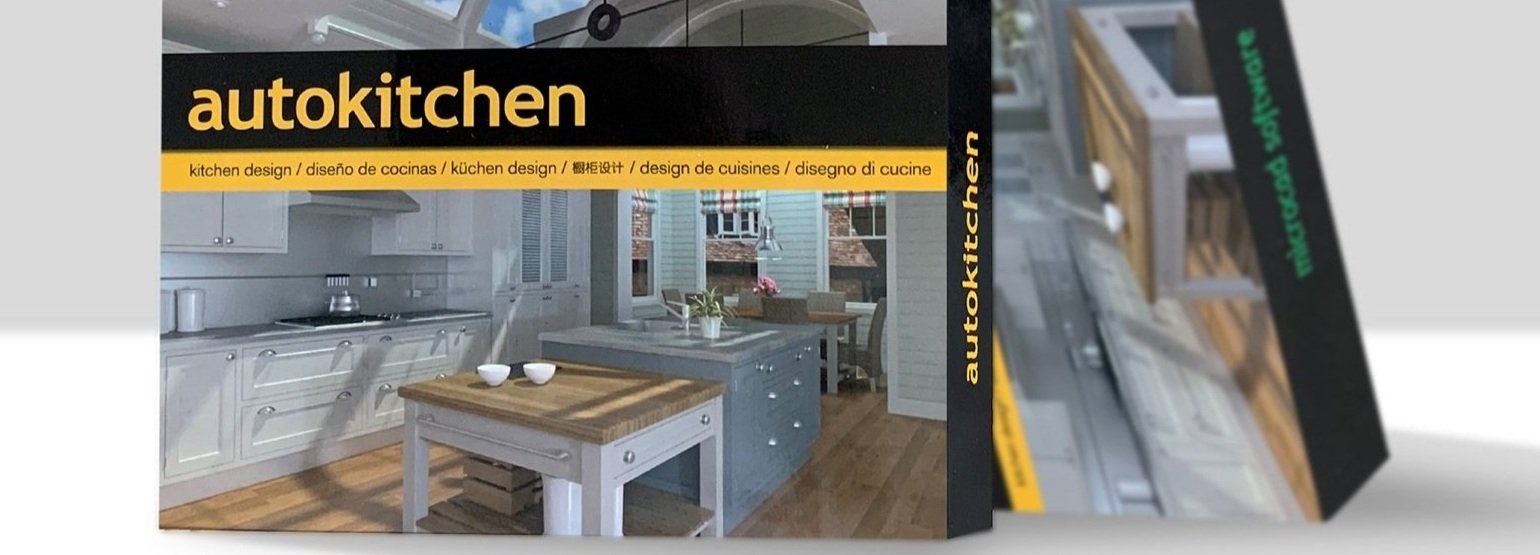
Autokitchen Key Features for UK Kitchen Designers
Key Features

Kitchen Breakdown, Components List & Manufacturing Integration
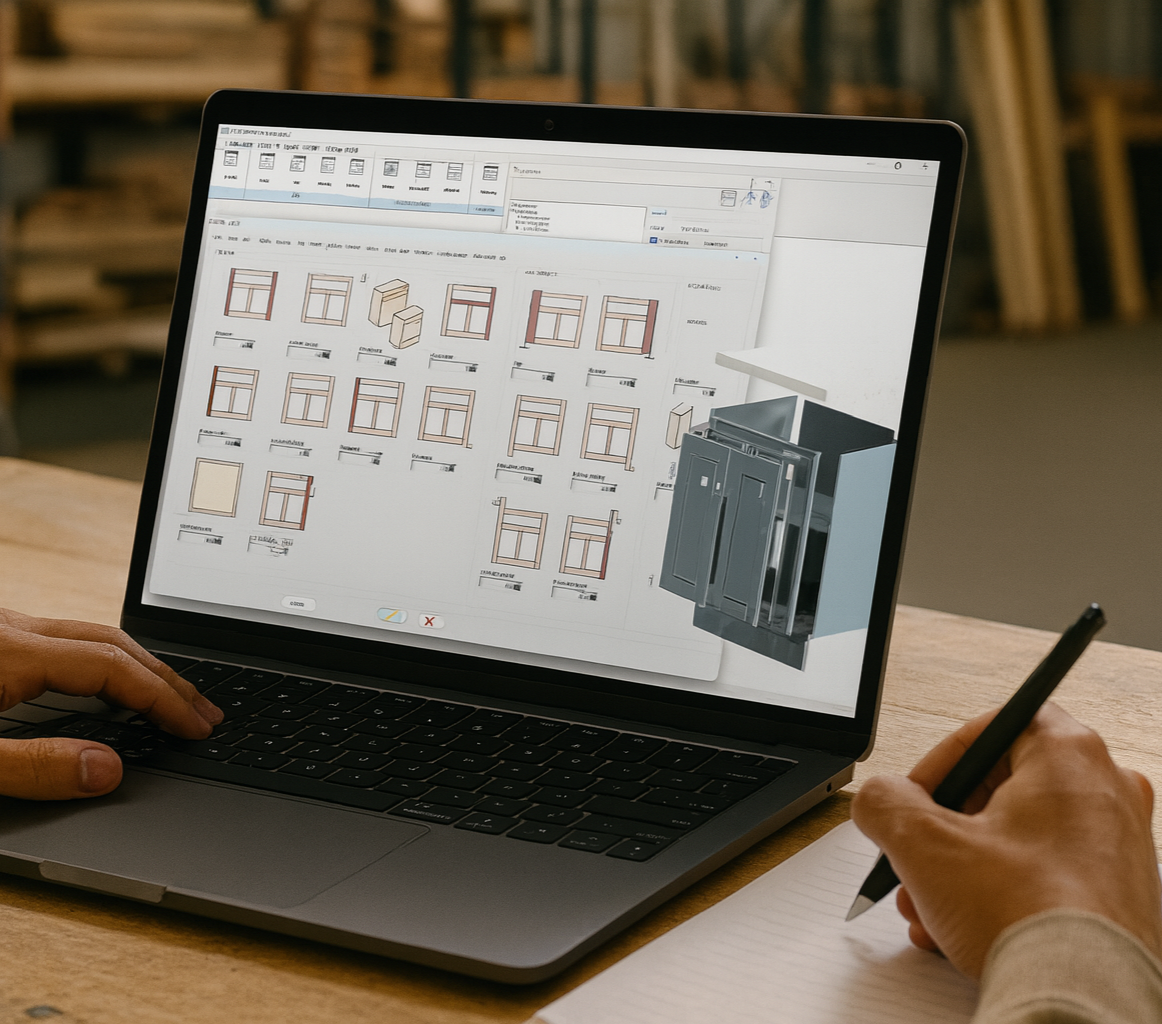
Autokitchen automatically generates a detailed kitchen breakdown along with a full list of components and their dimensions, ensuring accurate planning and manufacturing. The optional Catalogue Editor lets you customise furniture specifications, and you can export data to cutting optimisers or compatible CNC-connected software to streamline production.

Photorealistic Images, 360º Panoramas & Virtual Tours
Autokitchen delivers high-quality photorealistic images, 360º panoramas, and interactive virtual reality with exceptional speed. Designers and retailers across the UK can present kitchens in stunning detail, viewable on a computer, tablet, smartphone, or even through VR headsets, helping clients visualise their new space before it’s built.
Cloud Sharing & Client Collaboration
With Autokitchen’s Cloud Service, you can store and share photorealistic images, 360º panoramas, and virtual reality using a simple shareable link. Clients can access their designs from any Windows, Android, or Apple device, ideal for remote consultations and faster decision-making.

Subscription Service:
Continuous updates to the latest program versions and product innovations. Includes cloud storage for sharing renders, panoramas, and virtual models, as well as telephone support.

Training and Support:
Autokitchen includes UK-based support and training, explanatory videos, and tutorials to help you master the program.
Kitchen Planner Software - Plans & Purchase Options
-

Autokitchen Pro
Buy the perpetual licence for the most powerful kitchen planner software, including manufacturer catalogues for materials and appliances.
-
Autokitchen 365
Subscription version of the most powerful kitchen design programme, including manufacturer catalogues for materials and appliances. Includes maintenance and support.
-

Autokitchen Studio
Get the perpetual licence for the most affordable kitchen design planner with universal catalogues. Unrivalled value for money for kitchen designers.
-

Catalogue Editor
Designed for UK kitchen manufacturers and bespoke in-frame specialists who require total control over how their cabinetry.
Main Features

User-friendly interface designed for professional KBB designers, allowing fast and efficient workflows from day one.
Automatic furnishing tools for generating accurate preliminary kitchen, bedroom and bathroom designs quickly.

Speed, flexibility and power with unlimited customisation for bespoke KBB design projects.

Precision control for furniture placement, dimensions and angles, ensuring accurate and professional designs.
Broad and customisable universal catalogues, allowing you to design kitchens, bedrooms and bathrooms in any style or manufacturer specification.
High-quality technical plans, elevations and professional 3D visuals suitable for clients, manufacturers and installers.

DWG and SKP file compatibility, allowing you to share projects, plans and images with others who do not use Autokitchen.

Create and maintain your own catalogues using AutoCAD® blocks or bespoke components.

In addition to thousands of built-in objects, you can also use SketchUp® models directly within your designs.

Catalogue Editor
The Catalogue Editor, an optional add-on; a powerful tool designed for UK kitchen, bedroom and bathroom professionals. It allows you to create, customise and manage your own catalogues to match your products, construction methods and pricing. Perfect for bespoke manufacturers and design studios, the Catalogue Editor gives you full control over cabinet specifications, materials and components, ensuring your designs reflect exactly how you build and supply your kitchens.
-
Yes. Autokitchen uses the DWG file format, the native format of AutoCAD®. This means AutoCAD® drawings can be opened directly in Autokitchen, and Autokitchen projects can also be opened in AutoCAD®. Many UK kitchen, bedroom and bathroom designers use this workflow to create or import architectural layouts in AutoCAD® and then continue the detailed KBB design process within Autokitchen.
-
Yes. Once your kitchen, bedroom or bathroom design is complete, Autokitchen automatically generates detailed cabinet reports. These reports can be exported to Excel or sent directly to the Estimate pricing program, which is included with Autokitchen Pro. This allows UK designers and manufacturers to produce accurate component lists, quantities and pricing quickly and reliably.
-
Autokitchen works natively in 3D, allowing you to generate photorealistic kitchen, bedroom and bathroom renderings directly from your design with a single click. You can use automatic lighting or manually add and adjust different light sources, including spotlights and LED lighting. Materials and finishes can be applied easily by selecting from an extensive library of manufacturer-based materials, enabling accurate, realistic visuals that reflect your final specification.
-
Generic CAD software like AutoCAD® or SketchUp® is extremely powerful and flexible, making it suitable for a wide range of industries, from engineering and architecture to product and building design. However, when designing kitchens and bathrooms, these programs require designers to work manually with individual blocks and components. Every change must be adjusted element by element, which can be time-consuming and prone to inconsistency. Specialist kitchen and bathroom design software such as Autokitchen is built specifically for the KBB industry. It allows designers to create complete projects quickly using intelligent, parametric components that automatically adapt as the design evolves. Autokitchen also simplifies the production of professional documentation, including accurate plans, elevations, dimensions, cut lists and photorealistic renders. This purpose-built approach makes Autokitchen far more efficient and reliable for kitchen, bedroom and bathroom professionals who need precision, speed and consistent results.