

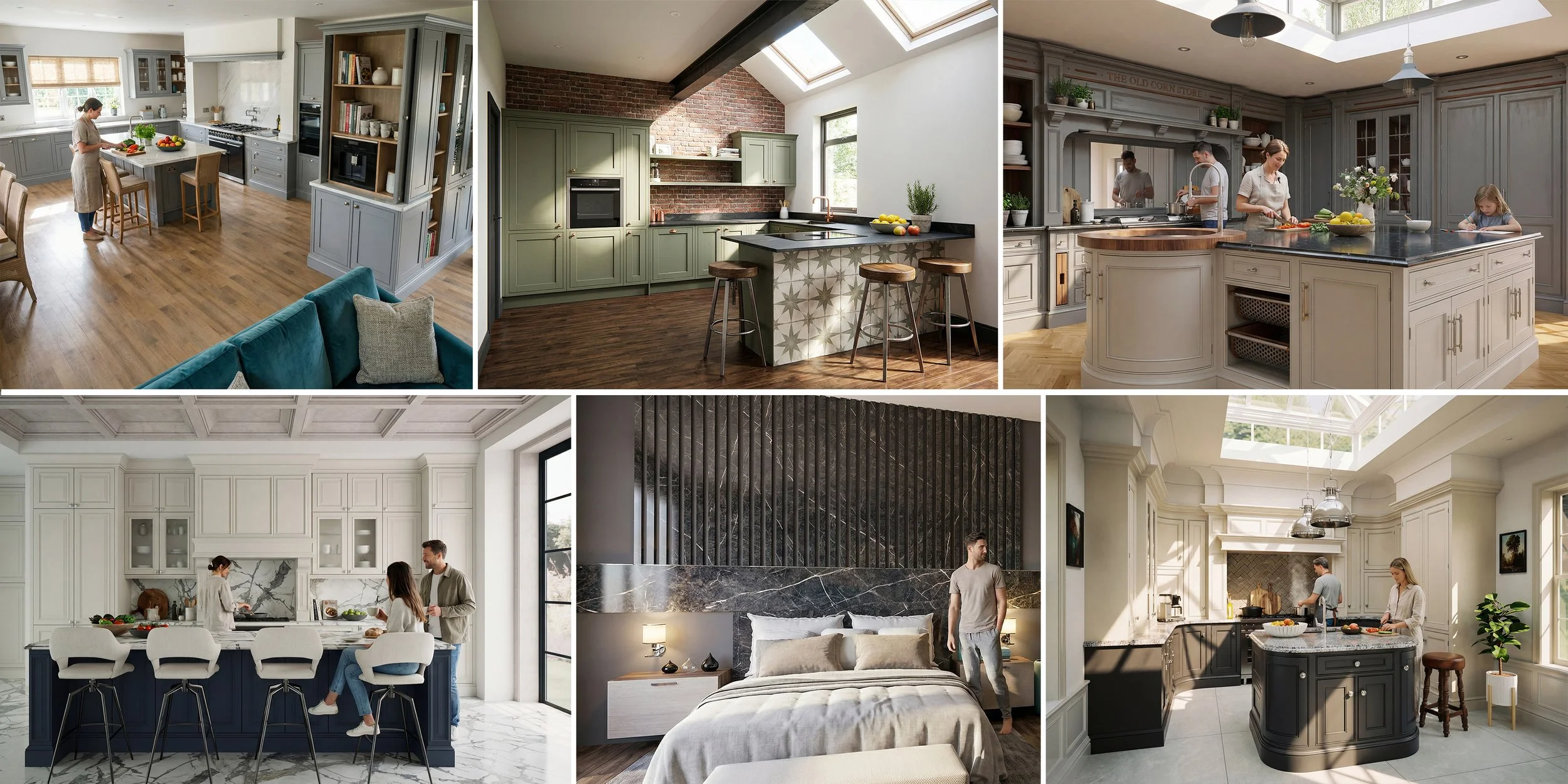
Autokitchen AI Rendering: Fast, Cloud-Based Kitchen Visualisation for Designers
BY AUTOKITCHEN - 30/03/2026
Autokitchen AI Rendering: Fast, Cloud-Based Kitchen Visualisation for Designers
Autokitchen now introduces advanced AI rendering, bringing a new level of speed, realism, and accessibility to kitchen design software.
As one of the leading solutions for kitchen and furniture design, Autokitchen has always delivered high-quality visuals. With the rapid evolution of artificial intelligence, we have taken this further by integrating AI-powered rendering directly into the software.
This new feature allows designers to create high-quality renders in as little as 30 seconds, without relying on powerful graphics cards. Rendering is processed via the cloud, meaning it can be used on virtually any computer.
What is AI Rendering in Autokitchen?
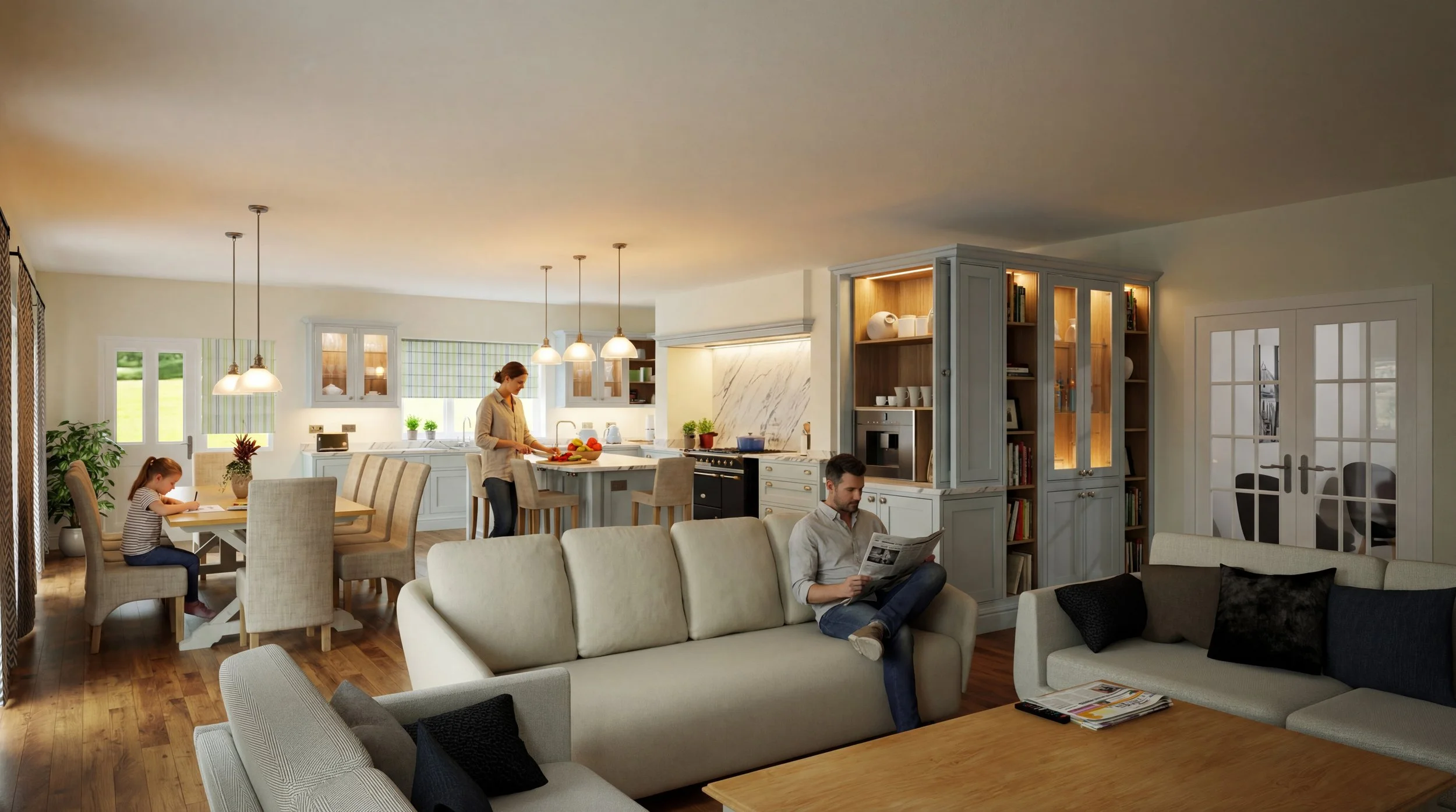
AI rendering in Autokitchen uses cloud-based processing to generate realistic kitchen visuals from your design.
Unlike traditional rendering engines that rely on local hardware such as GPU-intensive systems like V-Ray, Autokitchen AI rendering removes hardware limitations and dramatically reduces render times.
This makes it ideal for:
Kitchen designers
Bespoke furniture manufacturers
Interior designers
Showroom sales teams
Two AI Rendering Modes
Autokitchen offers two levels of AI rendering depending on your needs:
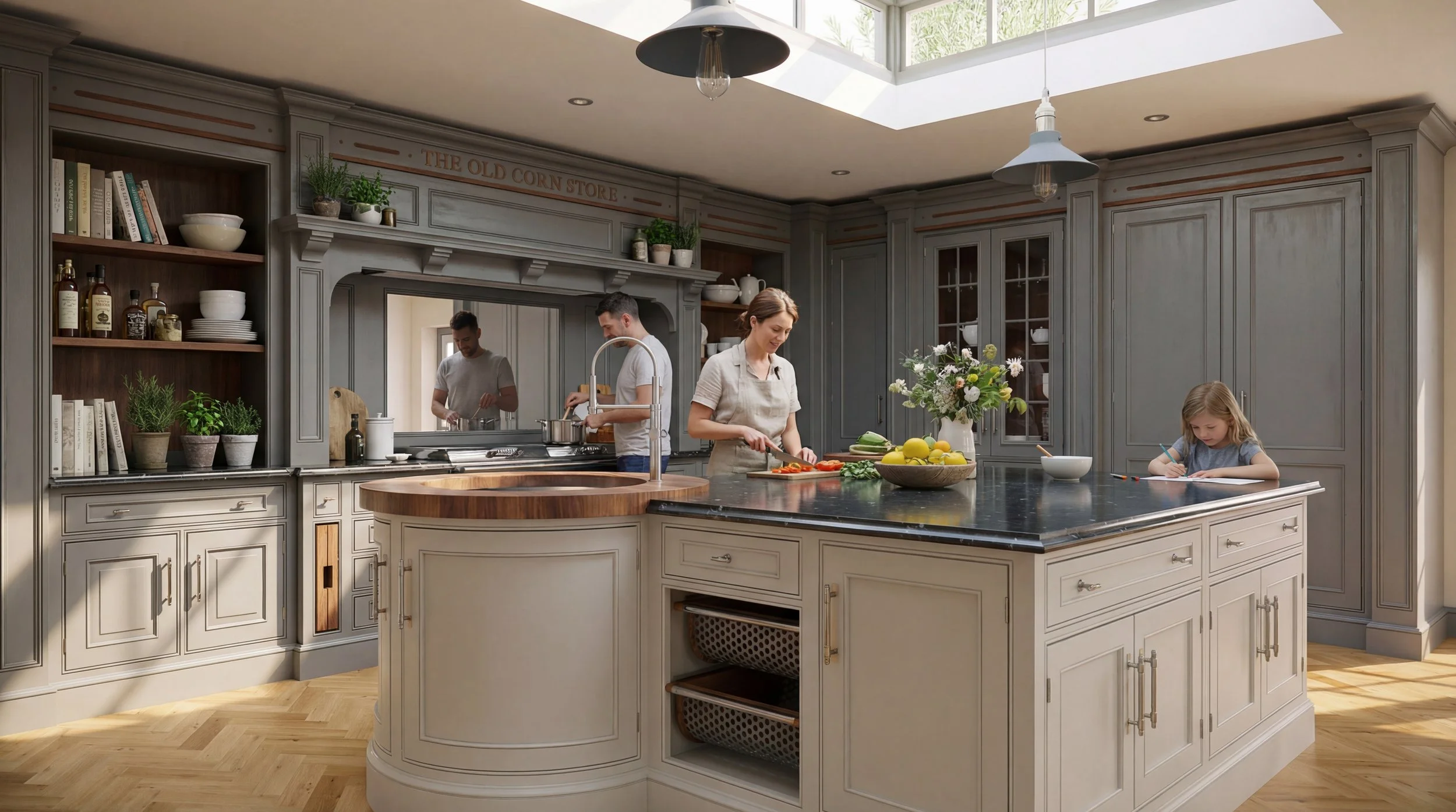
Standard AI Render
A fast, high-definition render suitable for everyday design work and client previews.
Enhanced AI Render
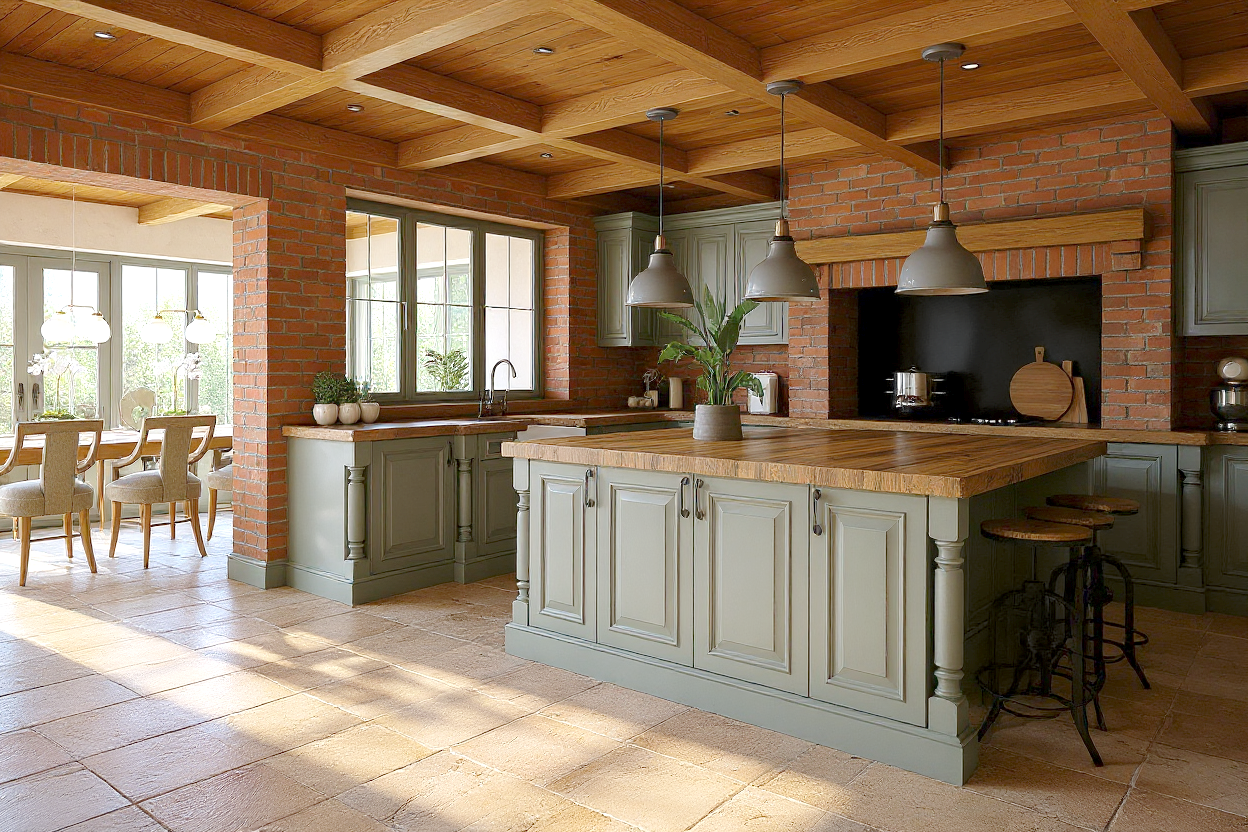
A more advanced AI render using four credits per render, delivering ultra-realistic results that are often difficult to distinguish from real-life photography.
Precise Mode vs Creative Mode
Autokitchen AI rendering includes two intelligent modes to suit different workflows:
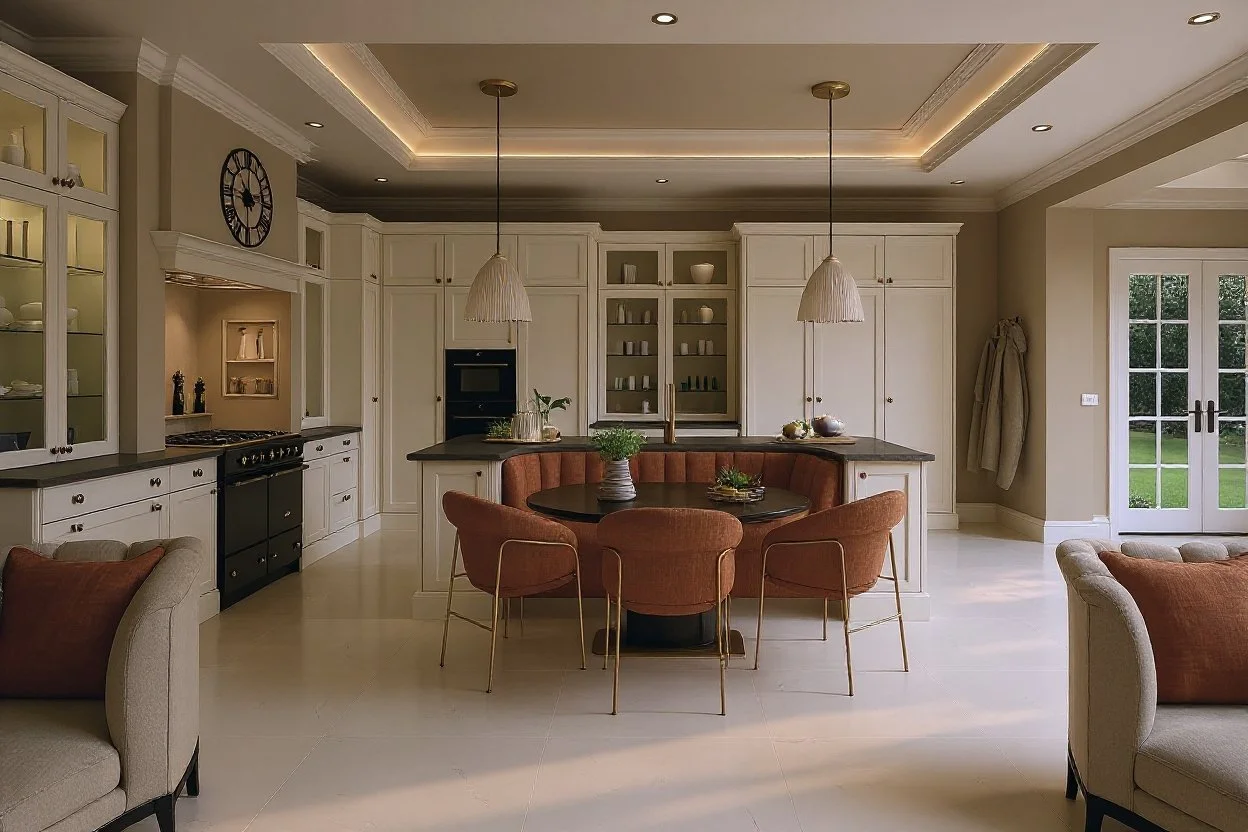
Precise Mode (Recommended for Kitchen Design)
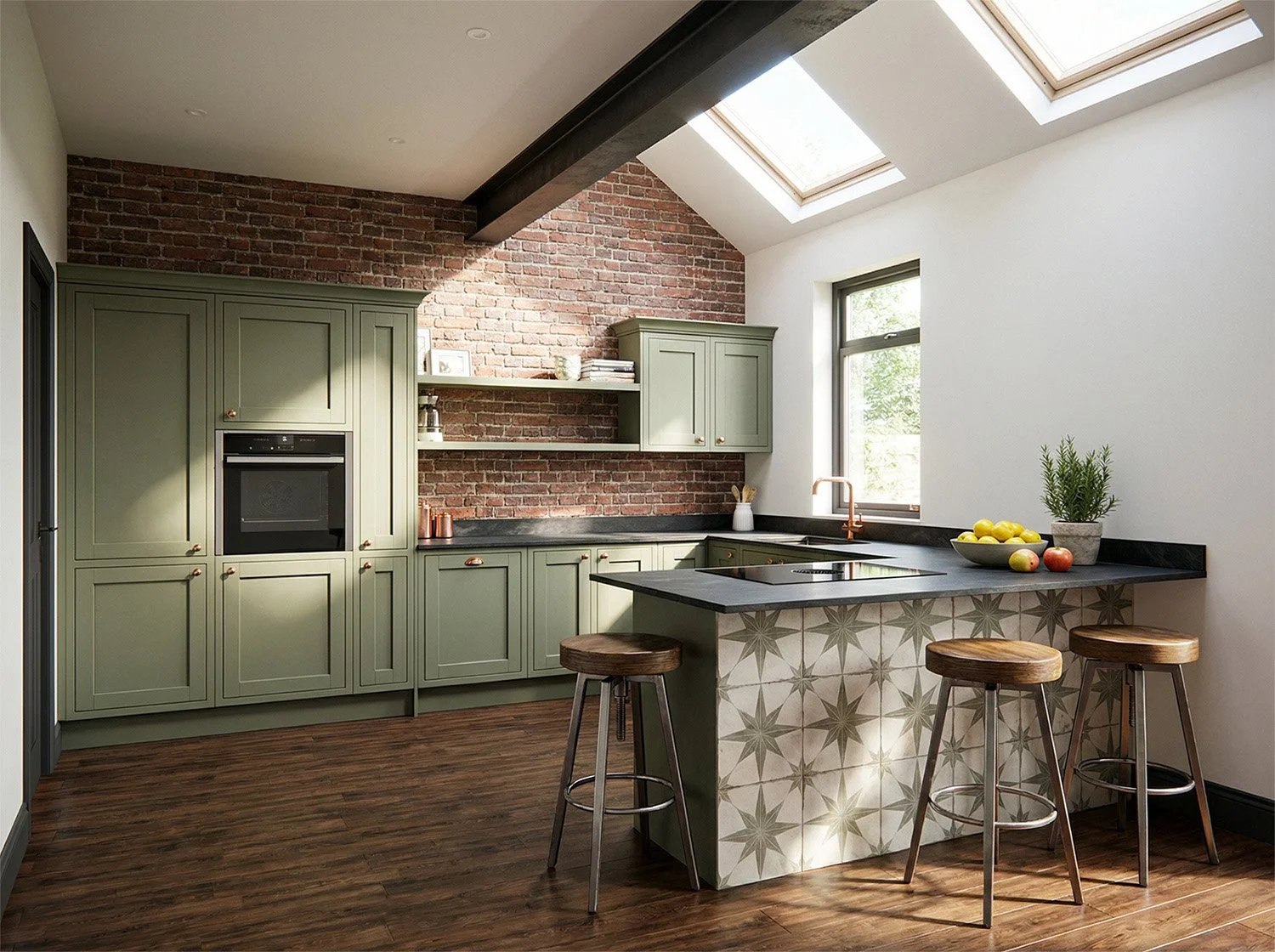
Designed for accuracy and consistency, ensuring key elements such as cabinetry, appliances, and layout remain unchanged during rendering.
This is particularly important for:
Bespoke kitchen manufacturers
Technical presentations
Client approvals
Creative Mode
Allows for more artistic interpretation, producing highly realistic, lifestyle-driven visuals.
Users can enhance renders by adding prompts such as:
People
Pets
Decorations
Lighting styles
While this mode offers greater visual impact, minor variations in design elements may occur.
Why Choose Autokitchen AI Rendering?
Cloud-based rendering with no need for high-end hardware
Render times from approximately 30 seconds
Ultra-realistic kitchen visualisation
Designed for both accuracy and creativity
Fully integrated into professional kitchen design workflows
Built for High-End Bespoke Kitchen Designers
Autokitchen is widely used by high-end bespoke kitchen companies that require both strong visual presentation and technical accuracy.
AI rendering enhances this by:
Improving presentation quality
Reducing rendering time
Allowing rapid design iterations
Supporting premium client experiences
Try Autokitchen AI Rendering
If you would like to learn more about AI rendering in Autokitchen or start using it in your projects, please contact our team:
Our team will be happy to help you get started.