

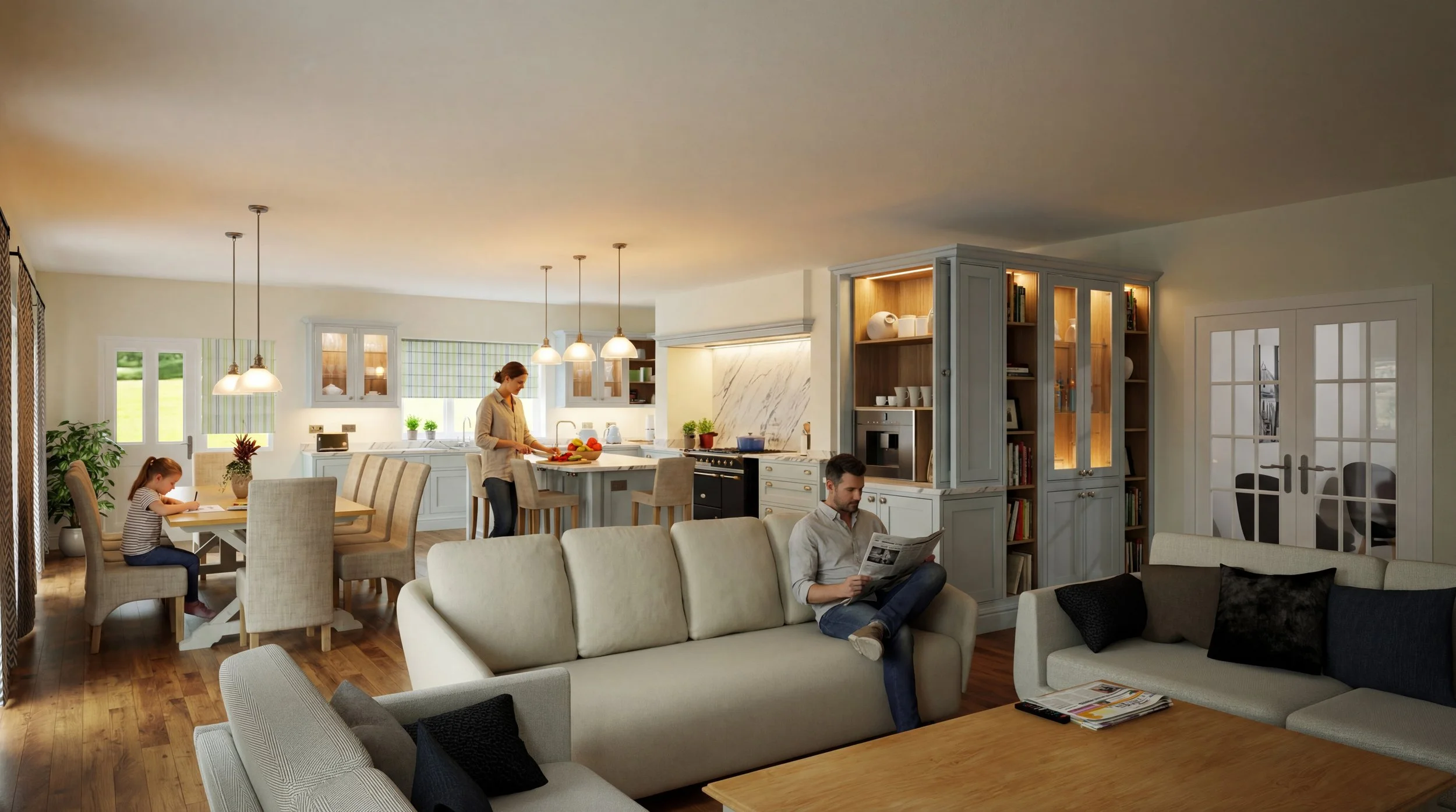
Select the Solution That Best Fits Your Needs
-
Retailers & Designers
- Easy to Learn, Fast to Use
- Customisable Catalogues
- Unlimited Design Flexibility
- Stunning Presentations
- UK-Based Phone Support
-
KBB Manufacturers
- Parametric Cabinetry
- CNC & Optimiser Export
- Custom ERP Integrations
- Self-Manage Catalogues
- From Design to Quote
-
Housing Developers
- One Project, The Whole House
- Dedicated Architectural Tools
- +100 Window & Door Library
- Accurate, Professional Plans
- Native DWG Files
-
Bespoke KBB Joinery
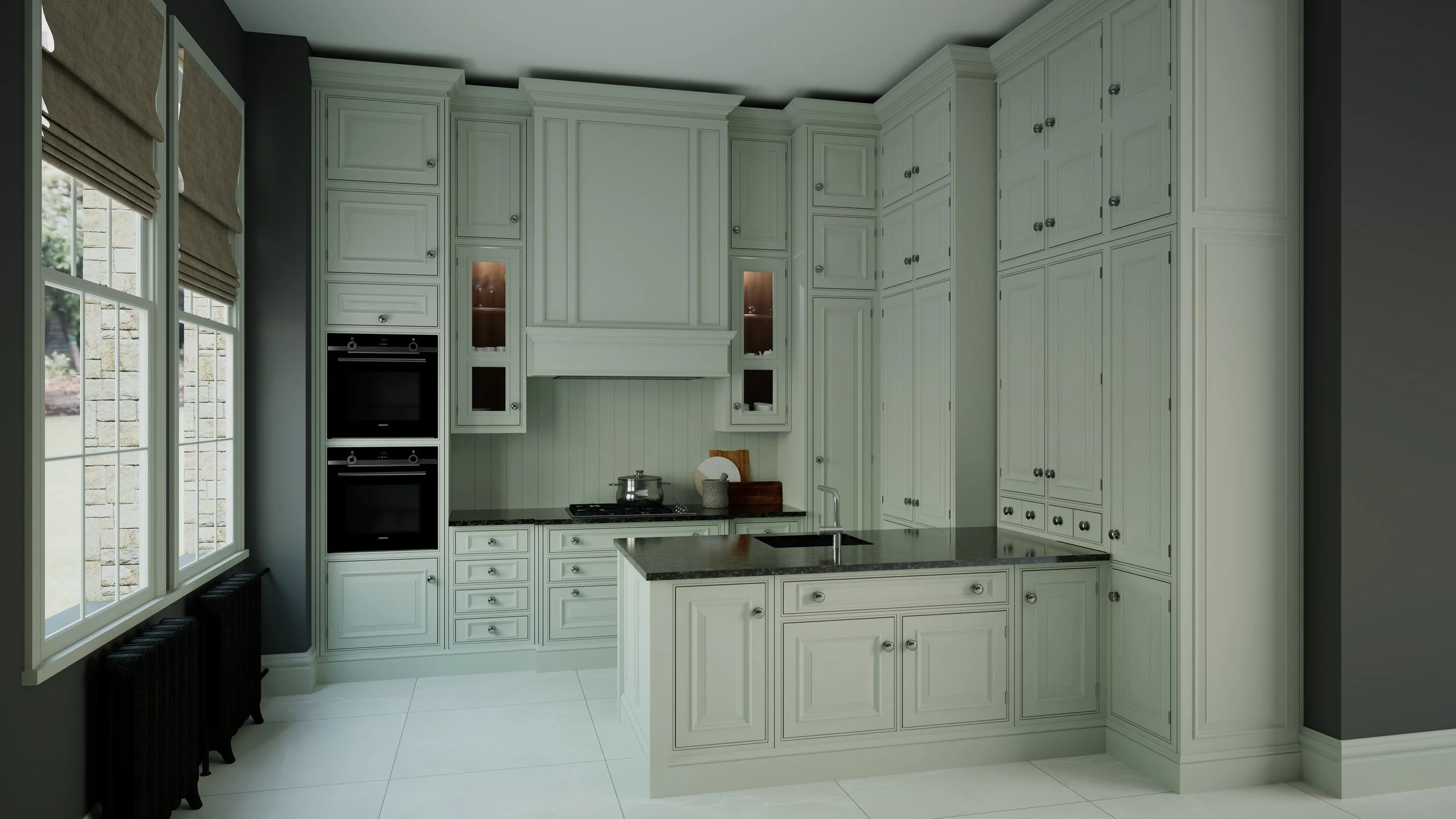
- Parametric In-frame Cabinets
- Adjust Rail & Stile Thickness
- Instant frame modifications
- Bespoke Cabinets On the Go
- Automatic Part-Based Pricing
-

Enterprise Solutions
- Tailored CAD Development
- Branded Software
- Complete Catalogue Creation
- Server-Based Updates
- User Licence Management
A quick snapshot of Autokitchen’s core features and benefits.

Easy to Use
Our software is easy to use and quick to learn. With its friendly and intuitive interface, you will be designing in no time, and with a professional touch.

Friendly Support
Receive personal assistance with one-to-one online training, including phone support with screen sharing to help you when you need.
Autokitchen comes preloaded with hundreds of door and window models, architectural accessories, and tools for challenging desings.
Enhance customer experience with a virtual exploration of the rooms while changing materials on cabinets and surfaces, in real-time.
Produce accurate detailed plans for workshop, fitters, electricians and plumbers to minimise errors and ensure the fine execution of your product.
Import architects' plans into your designs and share projects with other professionals. Use AutoCad® 3D models to create your own catalogues.
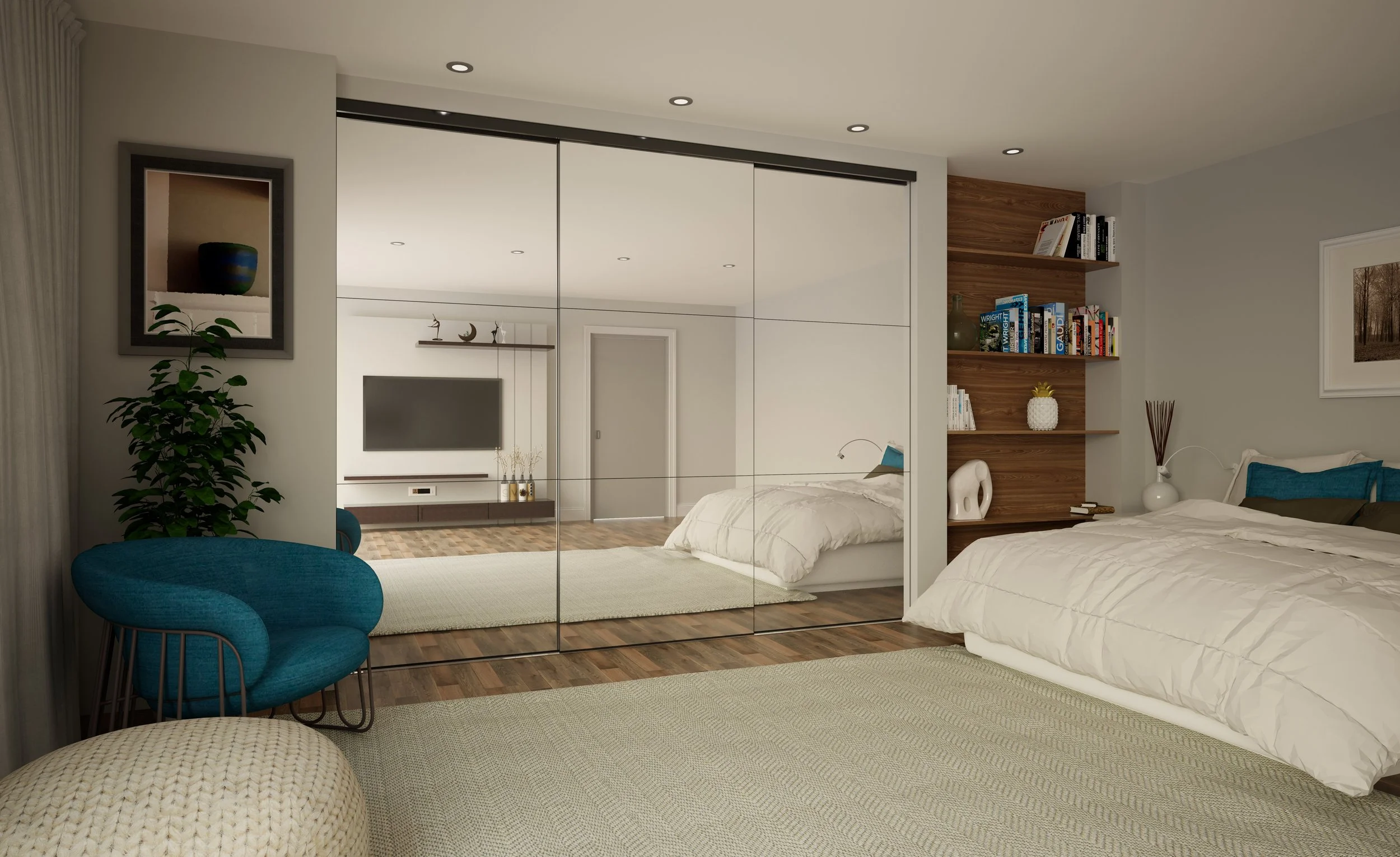
Specialised module for plotting wardrobes with sliding doors, showcasing both exterior and interior aspects to customers.

Expandable Libaries
Autokitchen comes preloaded with thousands of finishes, such as major brand suppliers and you can add your very own.
Input your own prices and profit margins for all your products, allowing for the automatic generation of quotes from designs.
Advanced SketchUp® Import
FAQs
Draw any room accurately

Advanced VR

Super-fast & easy renders
Render your projects up 12x faster than previous versions. Effortlessley produce amazing renders without the necessity of adding lights to the room.
Unlimited Choice of Cabinetry
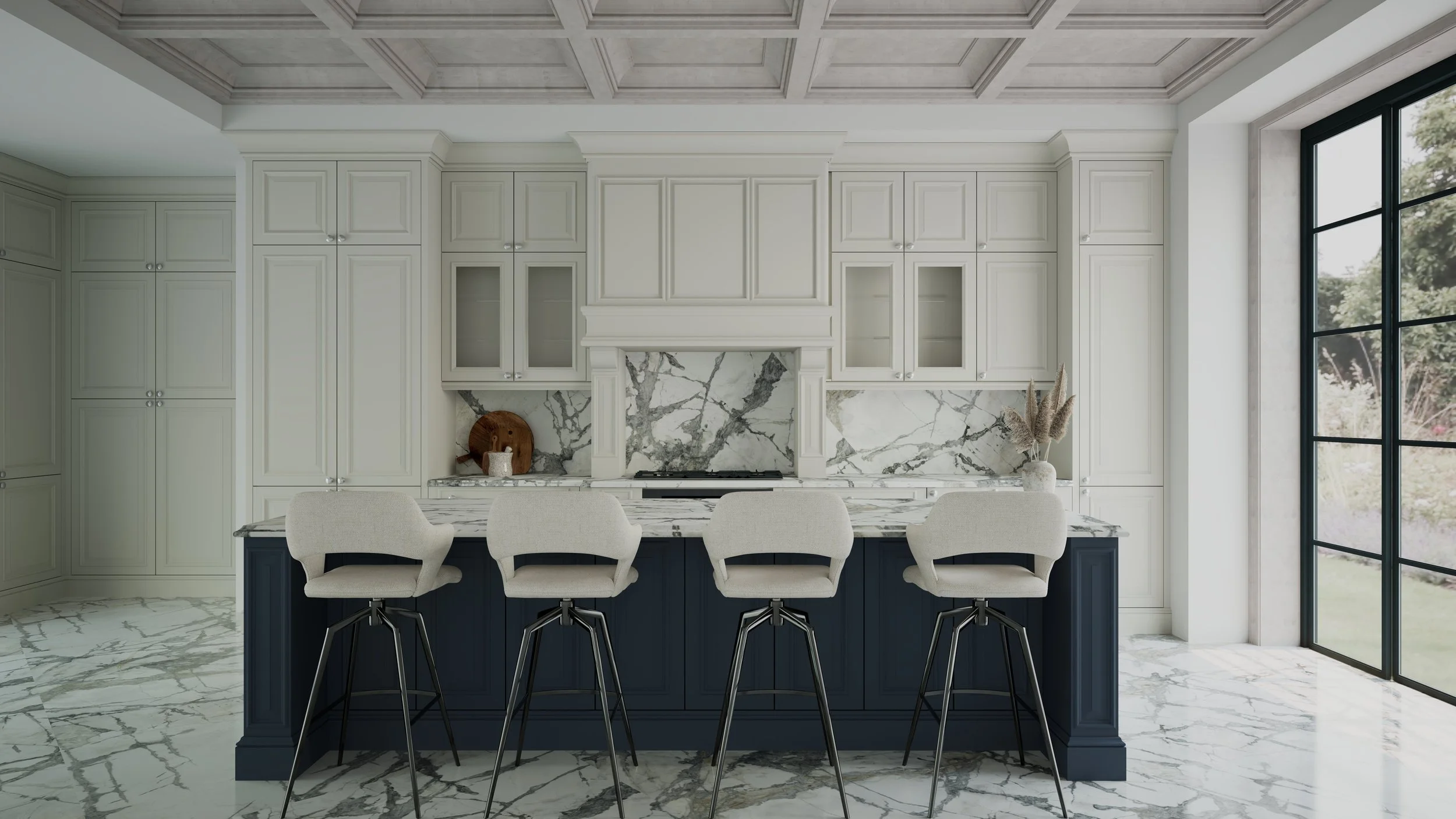
autokitchen comes installed with thousands parametric cabinets, hundreds of doors and handles. You can even create your cabinets from scratch.
Technical Drawings

DWG Compatibility

Wardrobe Module
Quoting
Import Sketchup models smoothly and edit materials, delete elements, and refine edges with precision.

Elite pitches to boost sales
Stand out from competitors and impress clients with superior and professional presentations.

Design any room
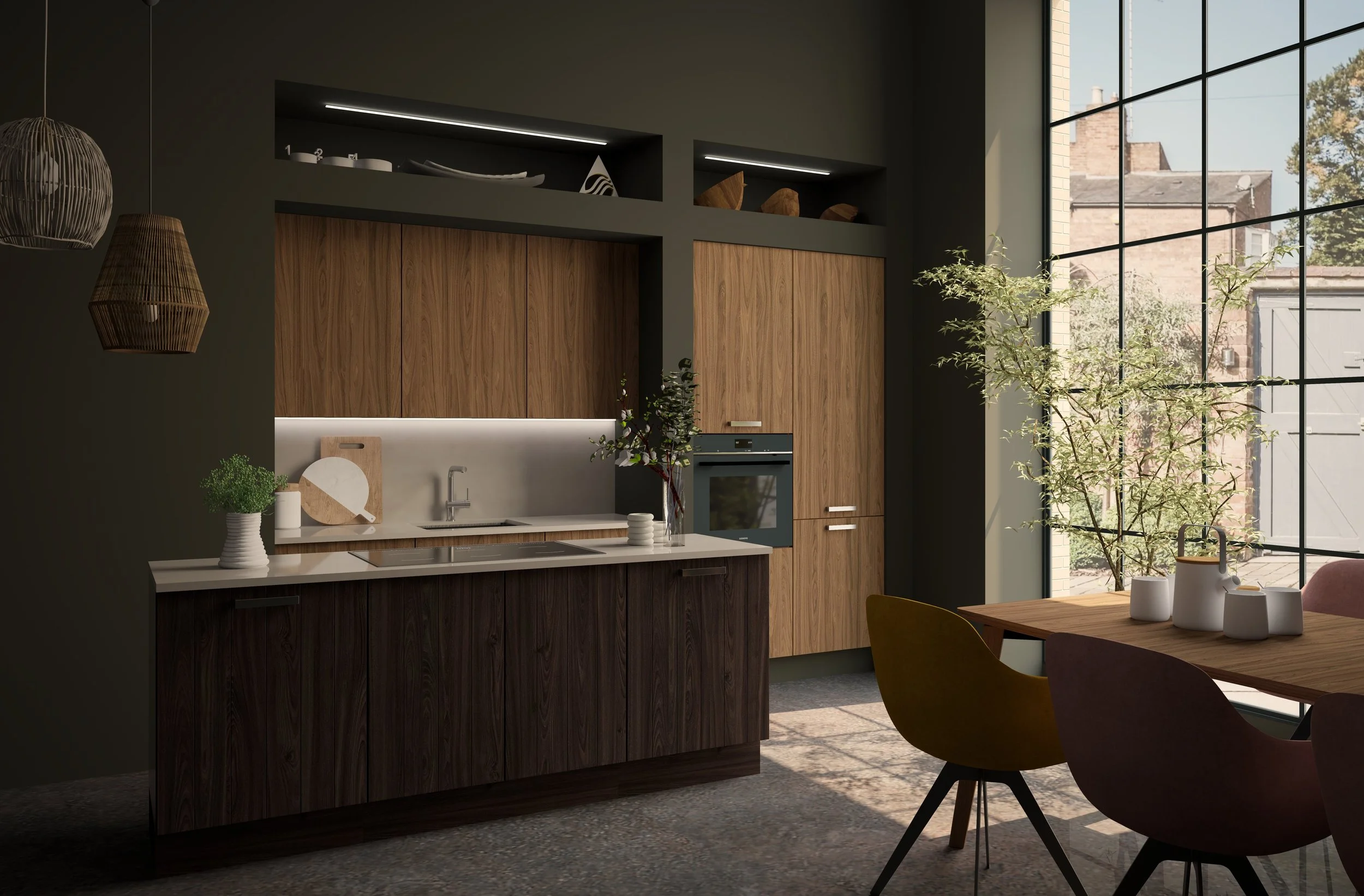
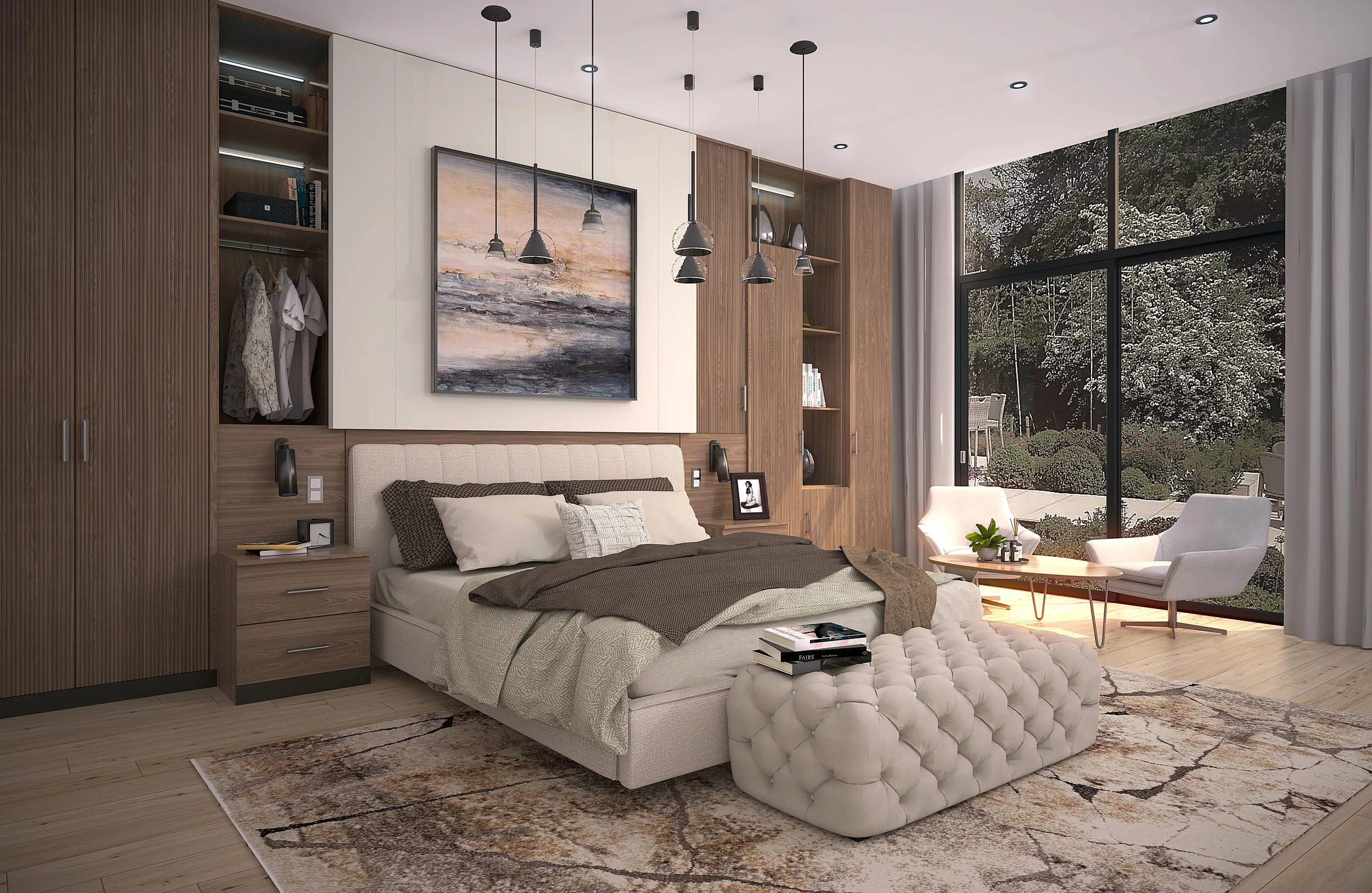
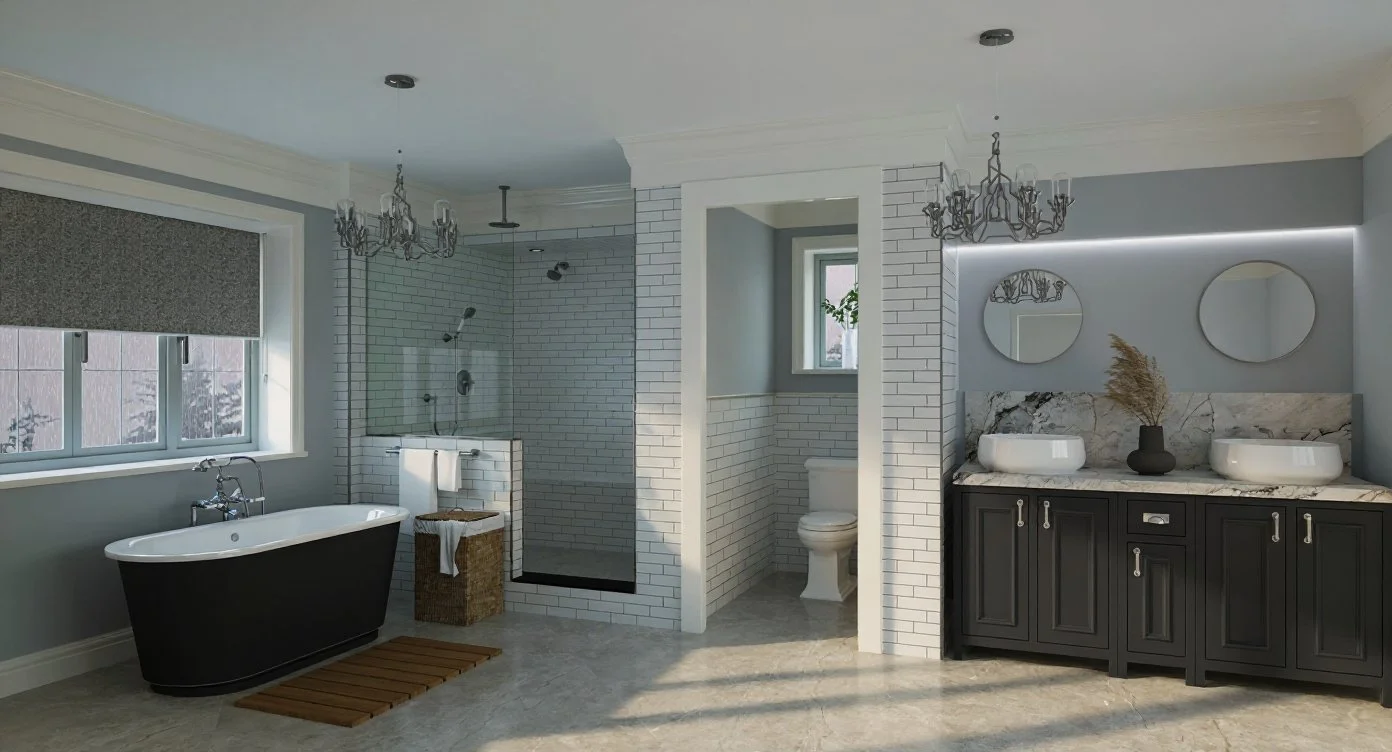
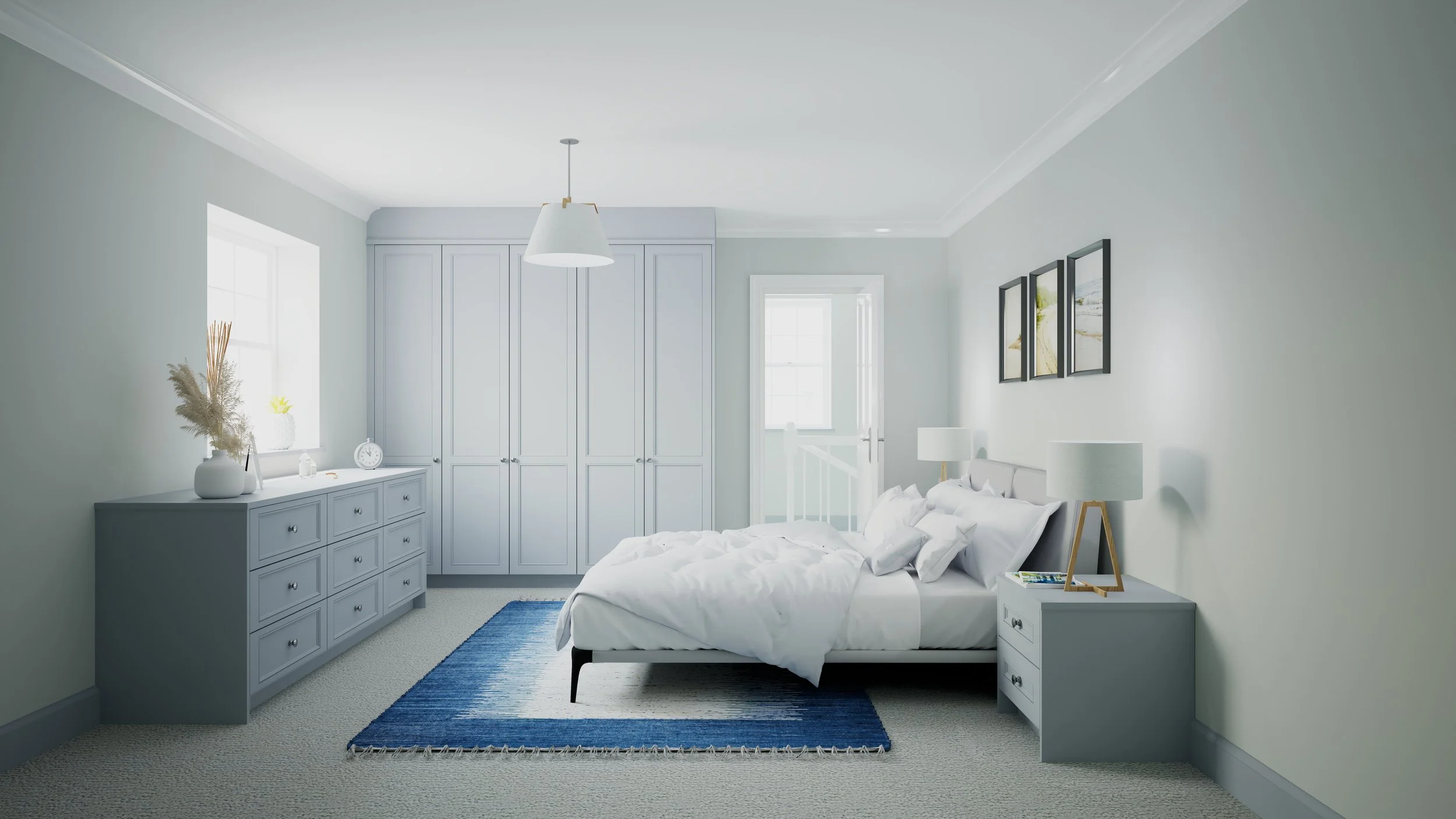
Design every room in your home, including the kitchen, bathroom, bedrooms, offices, living areas, and more.

Parts List
Automatically generate panel cut lists from your cabinet designs and export them to optimisers and CNC production.

Cloud Services
Easily share images, panoramas, and VR files across all devices, including Apple and Android.


-
Autokitchen offers full CAD-level accuracy, allowing designers to work directly on DWG architectural plans. Walls, angles, and room dimensions are fully editable to the millimetre, ensuring layouts are precise for installation and technical documentation.
-
Yes. Autokitchen includes over 7,000 configurable cabinet options and a wide range of door styles. Designers can adjust cabinet height, width, and depth, modify internal shelving, change panel thicknesses, alter construction components, and apply a full range of advanced catalogue modifications.
-
Absolutely. Autokitchen allows designers to import custom materials, finishes, textures, and surface patterns. This makes it easy to match supplier finishes, replicate bespoke schemes, or present client-specific material palettes with full photorealistic accuracy in V-Ray renders. Autokitchen also includes more than 5,000 materials already preloaded and ready to use.
-
Yes. Autokitchen integrates the powerful V-Ray rendering engine, producing highly realistic kitchen visuals with advanced lighting, reflections, and material accuracy. Designers can create 12K still images, 360° panoramas, and interactive VR environments. For the best performance, NVIDIA GeForce GTX or RTX graphics cards are recommended.
-
Yes. Autokitchen is ideal for designers and manufacturers working with bespoke or made-to-measure cabinetry. The software provides precise measurement control, extensive modification tools, and professional technical drawings that installers, electricians, and production teams rely on for accurate project execution.