

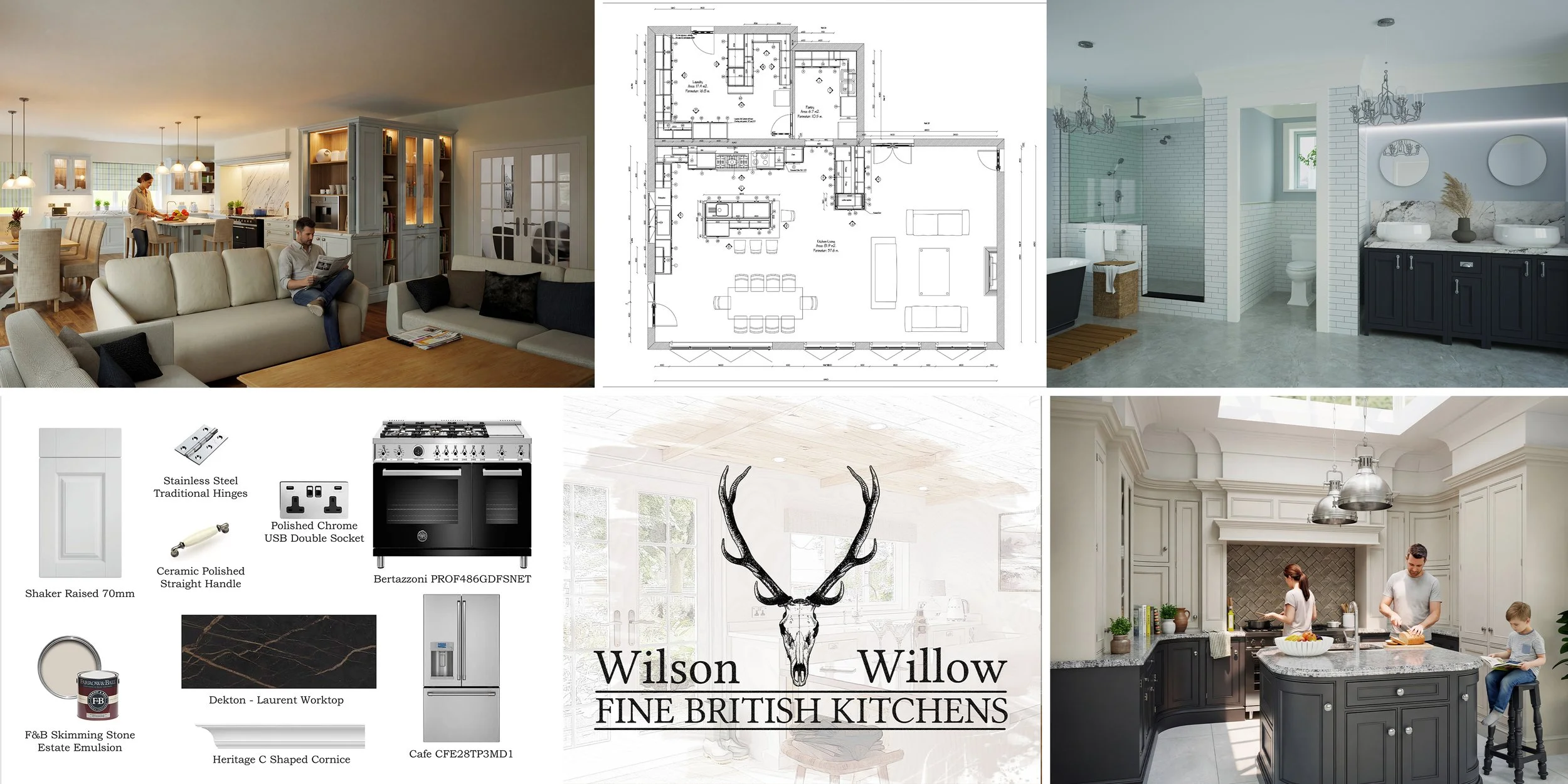
What Is Included in Kitchen Design Software? A Look at Autokitchen
BY AUTOKITCHEN - 07/07/2026
What's Included in Kitchen Design Software?
If you're researching kitchen design software, you've probably come across a long list of features including 3D design, rendering, quotations, technical drawings, virtual reality, AI tools and much more.
The problem is that most articles simply list features without explaining which ones actually matter in day-to-day business operations.
The real value of kitchen design software isn't in the number of features it offers. It's in how effectively those features help a business design, sell and manufacture projects.
Who Is Kitchen Design Software Really For?
One of the biggest misconceptions is that kitchen design software is only for kitchen retailers.
While retailers make up a significant part of the market, professional design software is used by a much wider range of businesses, including:
• Independent kitchen retailers
• Bespoke furniture manufacturers
• Joinery companies
• Bedroom and bathroom specialists
• Interior designers
• Architects
• Commercial interior designers
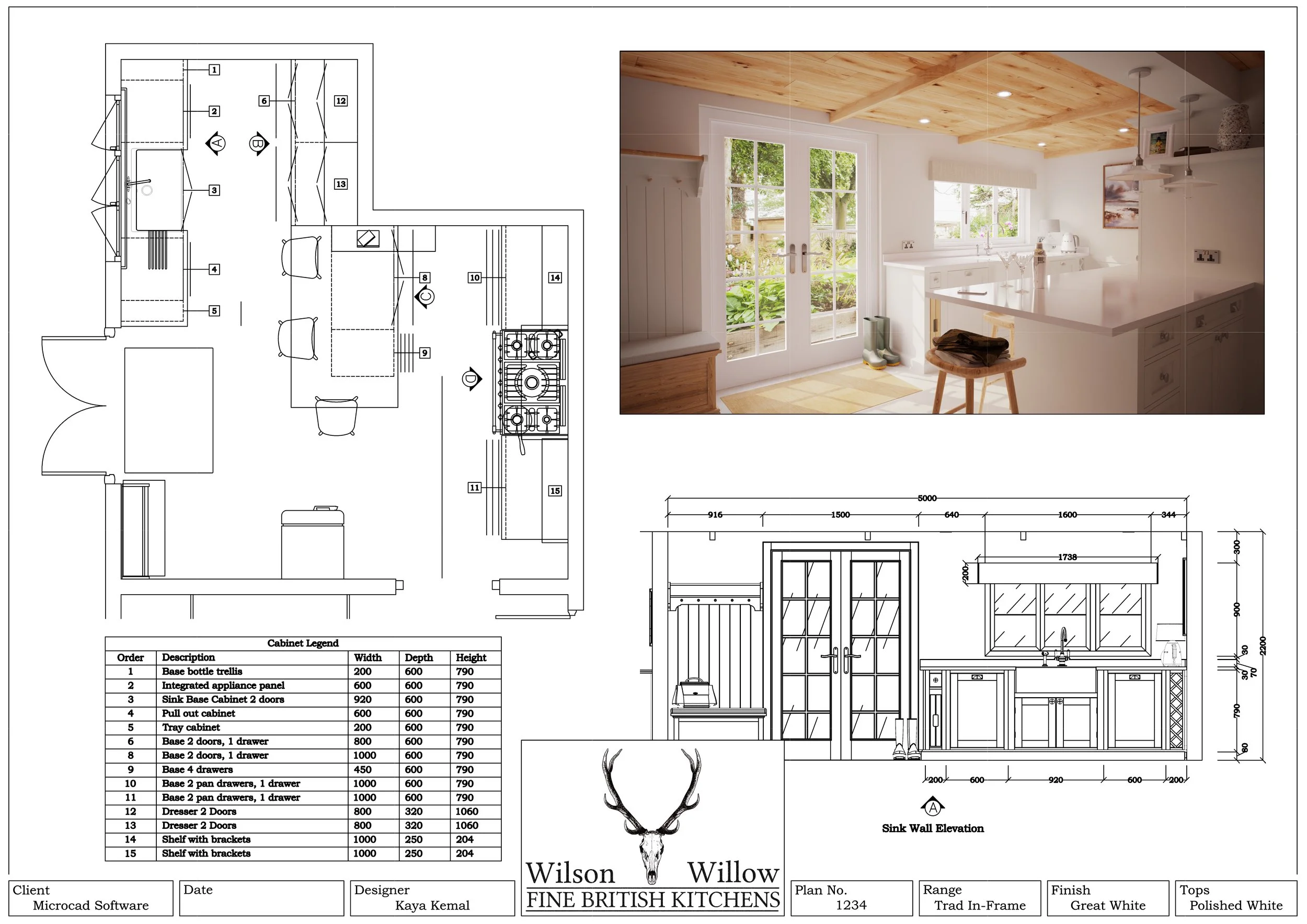
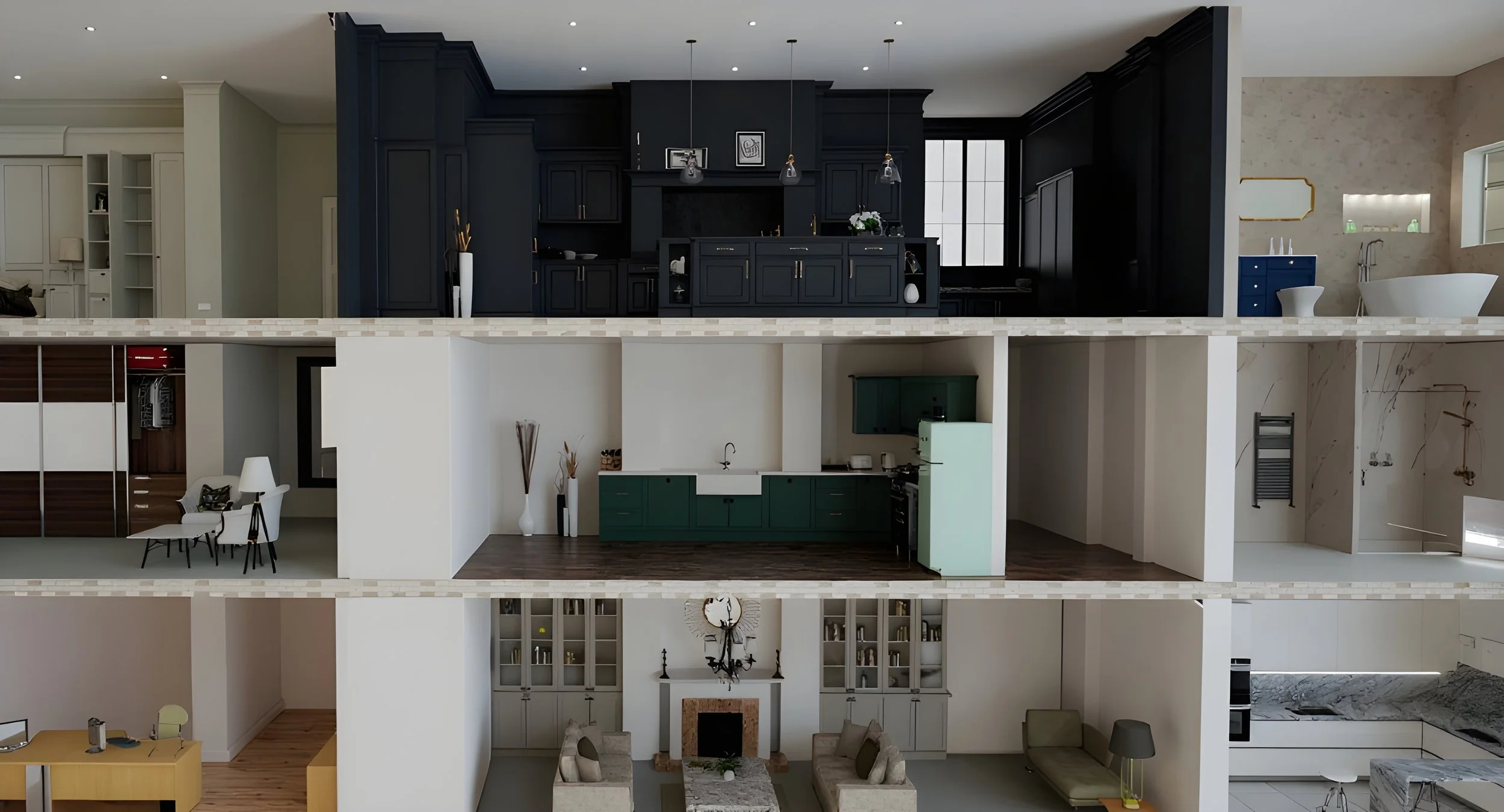
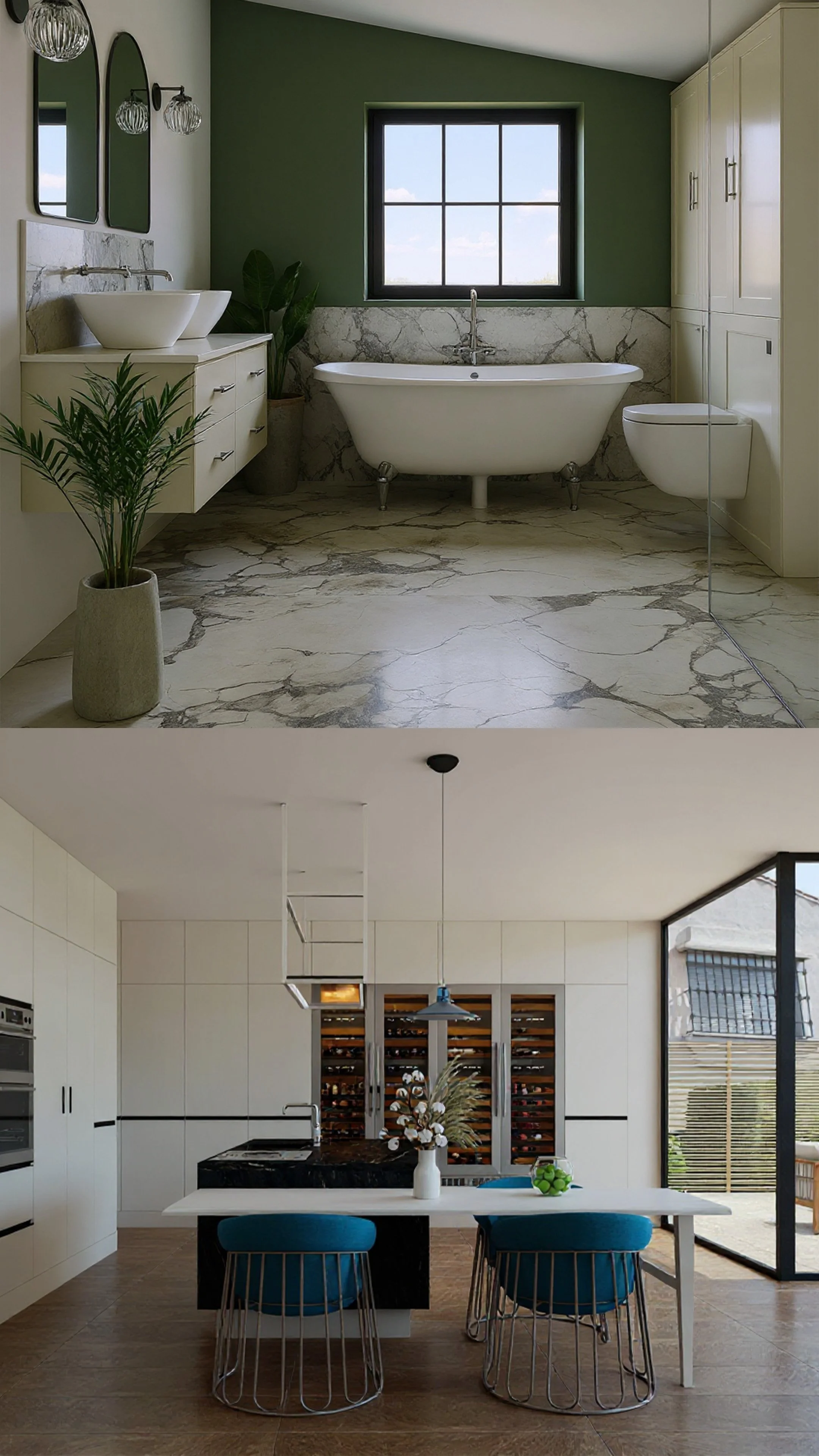
At Autokitchen, we regularly work with businesses designing far more than kitchens. Projects often include bedrooms, bathrooms, wardrobes, media walls, home offices and commercial interiors. For more detailed wardrobe and storage design, many businesses use Autoclosets PRO, while commercial interior projects can be handled using Autodecco.
In our experience, the businesses that gain the greatest return on investment are those that both design and manufacture or supply furniture. These companies benefit from using the software throughout the entire project lifecycle, from initial concept and presentation through to quotation, parts lists and manufacturing information.
The Features That Actually Matter
When people first look at kitchen design software, they often focus on visual features such as rendering quality.
While presentation is important, the features that deliver the biggest long term value are often those that save time and eliminate repetitive work.
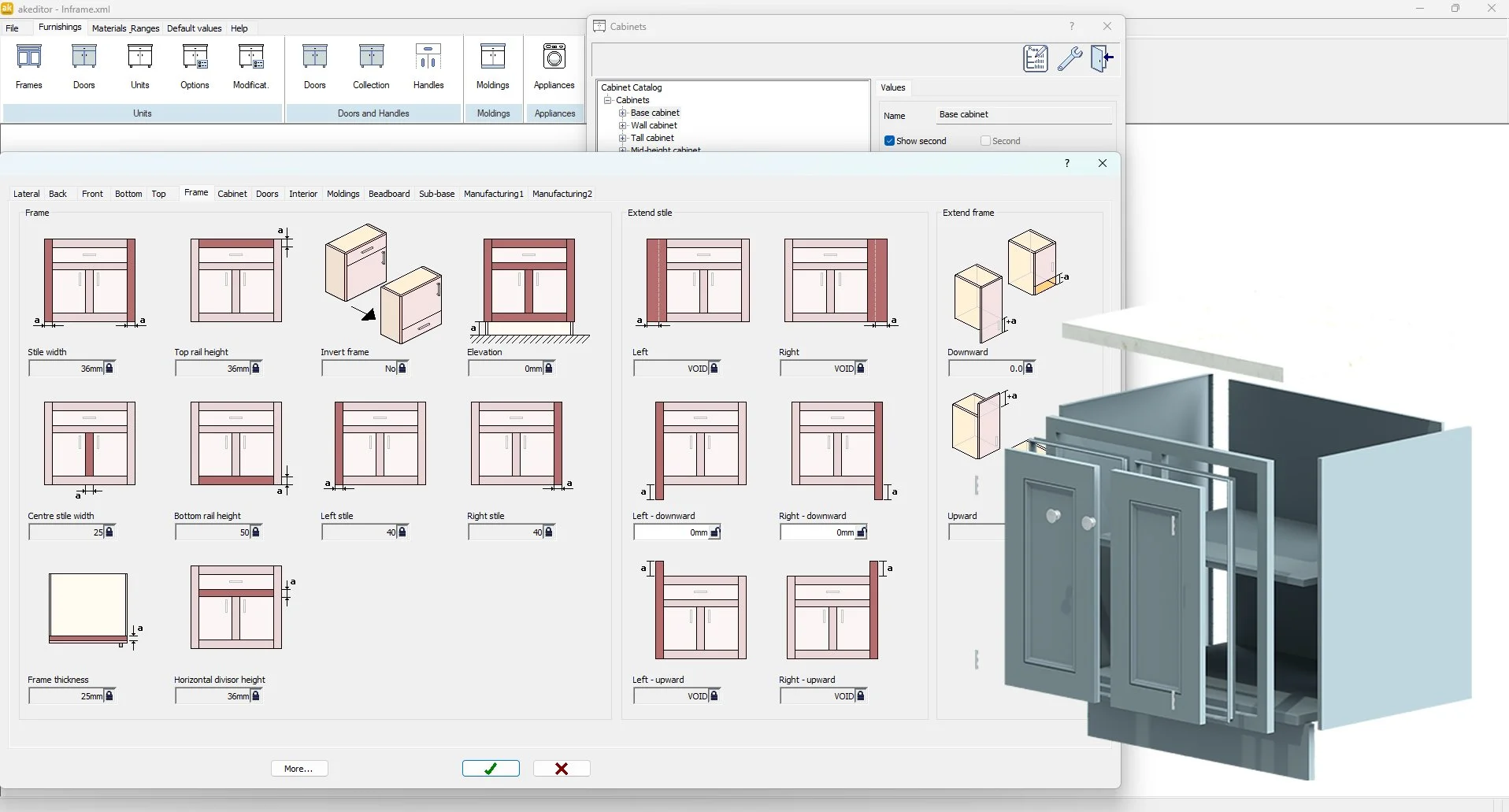
Parametric Cabinet Modification
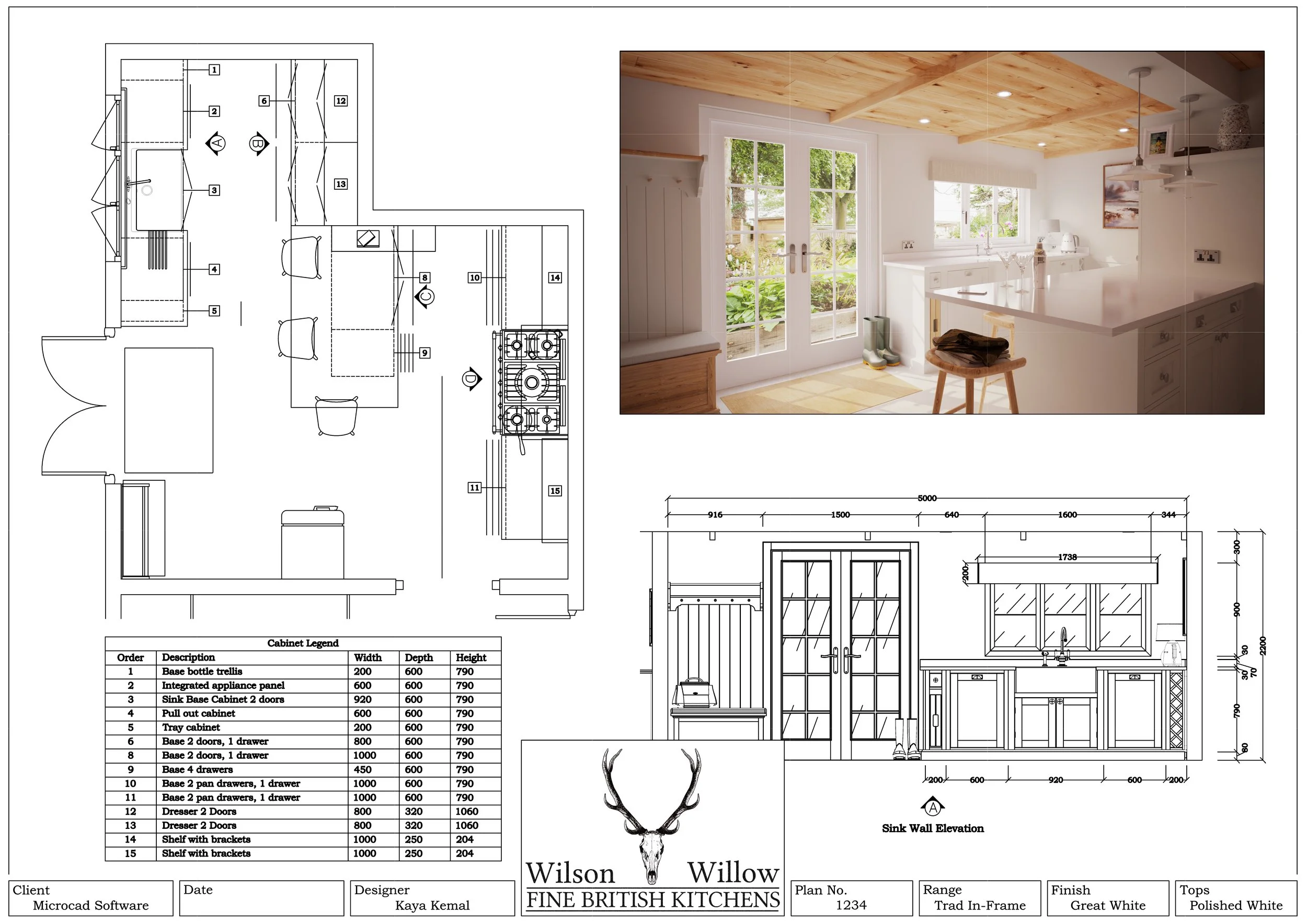
One of the most important capabilities is the ability to modify cabinetry parametrically.
This allows cabinet sizes to be changed while maintaining the correct carcass construction, door styles and proportions. Instead of cabinets becoming distorted when dimensions are altered, they remain true to the intended design.
This becomes particularly valuable for bespoke projects where standard cabinet sizes rarely fit the space perfectly.
For manufacturers using their own custom catalogues, parametric design provides the flexibility needed to create highly customised furniture without starting from scratch every time.
Integrated Quotation Systems
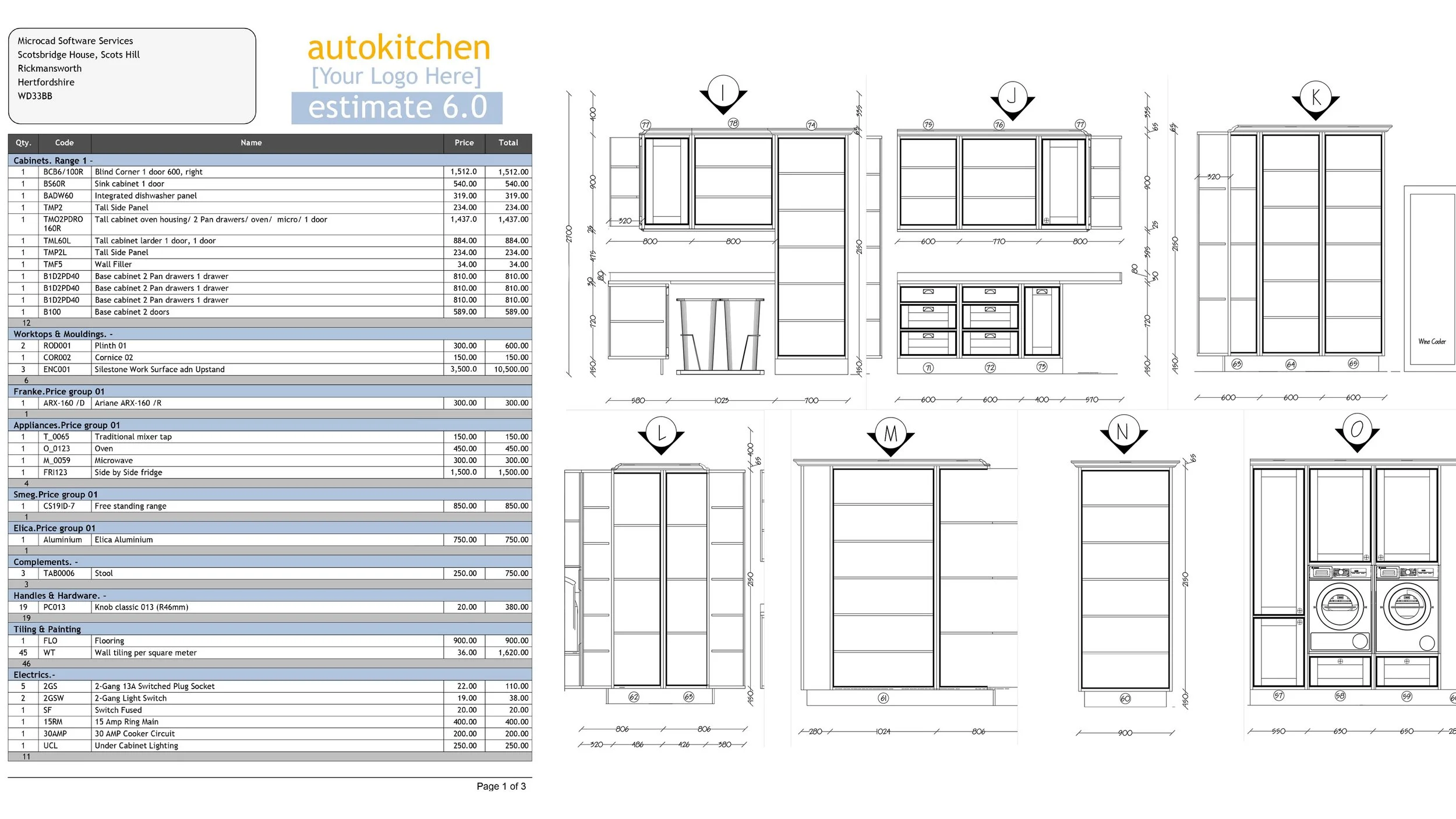
Another feature that delivers significant value is integrated estimating and quotation software.
With Autokitchen, users can assign prices to cabinets, materials and products within the system. The software identifies items used within the design and automatically applies the appropriate pricing.
What may previously have taken hours of manual calculation can often be completed in just a few minutes.
The result is a professional quotation complete with:
• Itemised pricing
• Subtotals and totals
• Terms and conditions
• Consistent presentation
For many businesses, this feature alone can save countless hours every week.
Fast Project Creation
Ease of use is often overlooked when comparing software packages.
One of the most valuable capabilities is simply being able to create projects quickly.
The ability to add and configure cabinetry rapidly allows designers to build complete room layouts in minutes rather than hours. This improves productivity and enables businesses to spend more time refining designs and serving customers rather than constructing basic room layouts.
Parts List Exports
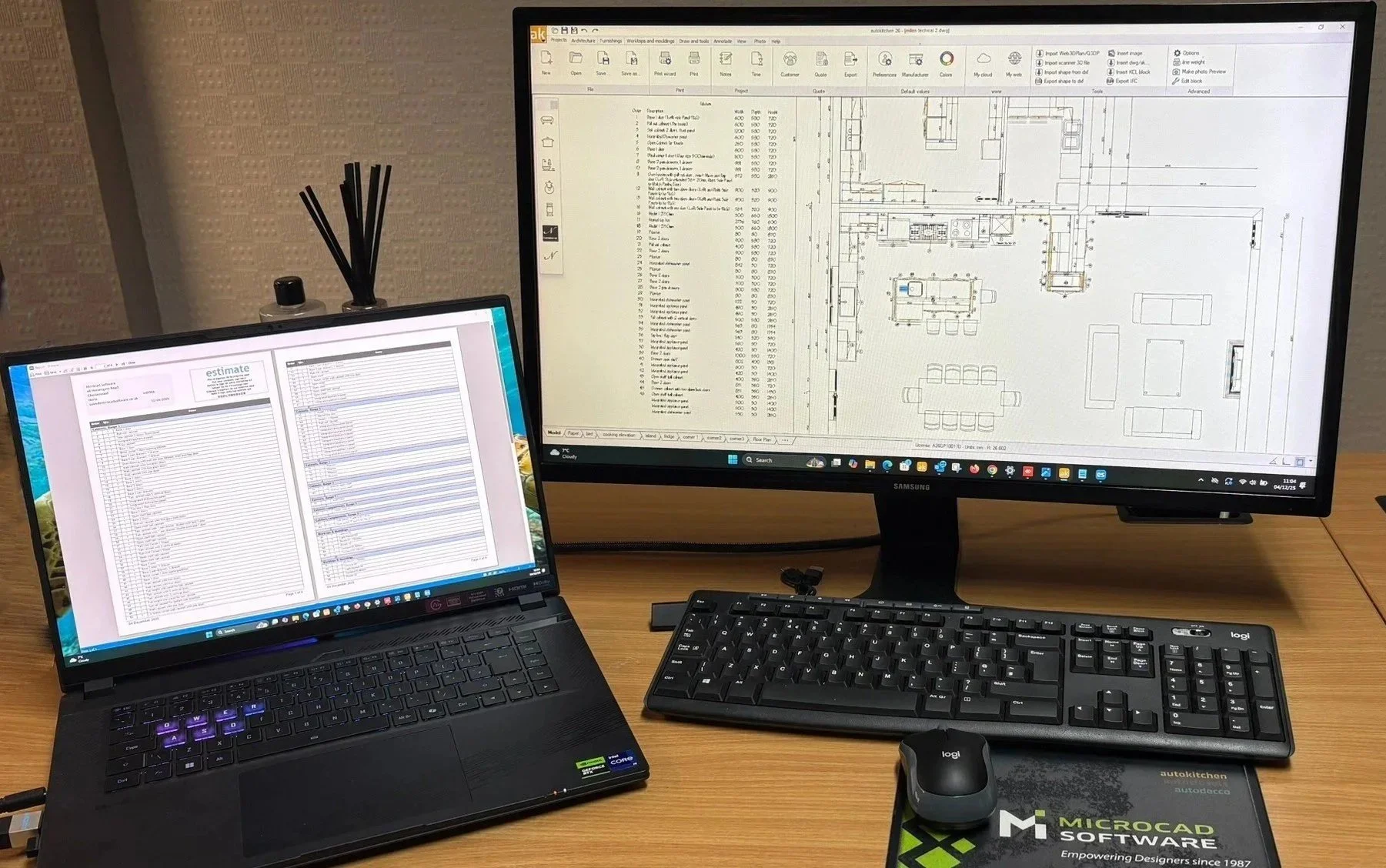
Interestingly, one feature that experienced professionals frequently ask about, but beginners often overlook, is parts list export.
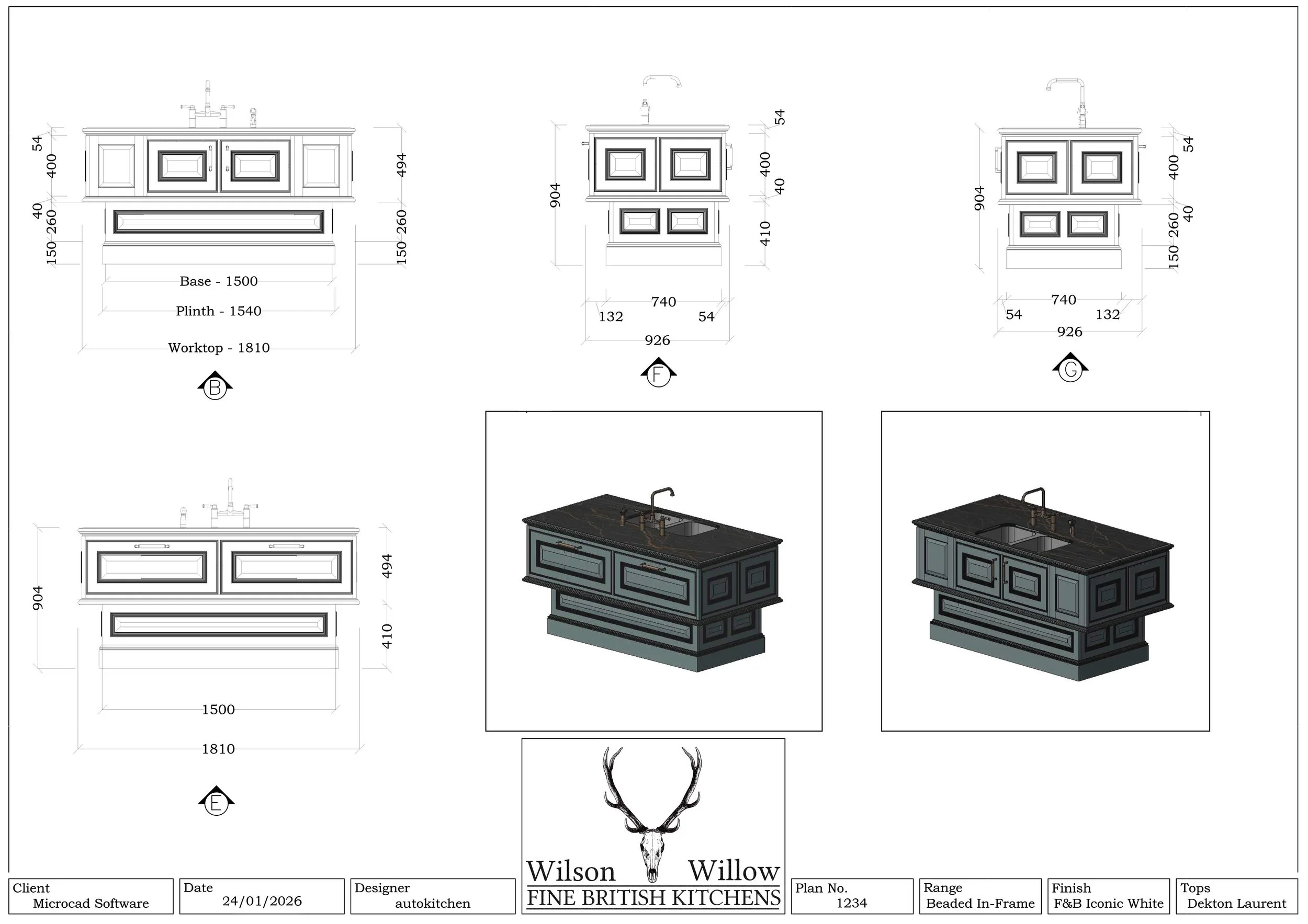
For manufacturers and bespoke furniture makers, this can be one of the most important outputs produced by the software.
Being able to generate parts information directly from the design helps reduce manual work, improves accuracy and creates a smoother transition between design and production.
Moving Away from Multi Software Workflows
We regularly speak to businesses that previously used SketchUp to design kitchens.
While SketchUp is a capable modelling tool, many companies found themselves relying on multiple software packages to complete a project. They would create the design in one program, produce quotations using another system and generate renders through a separate plug-in.
In some cases, designers were spending two to three days creating a single kitchen before any revisions were requested.
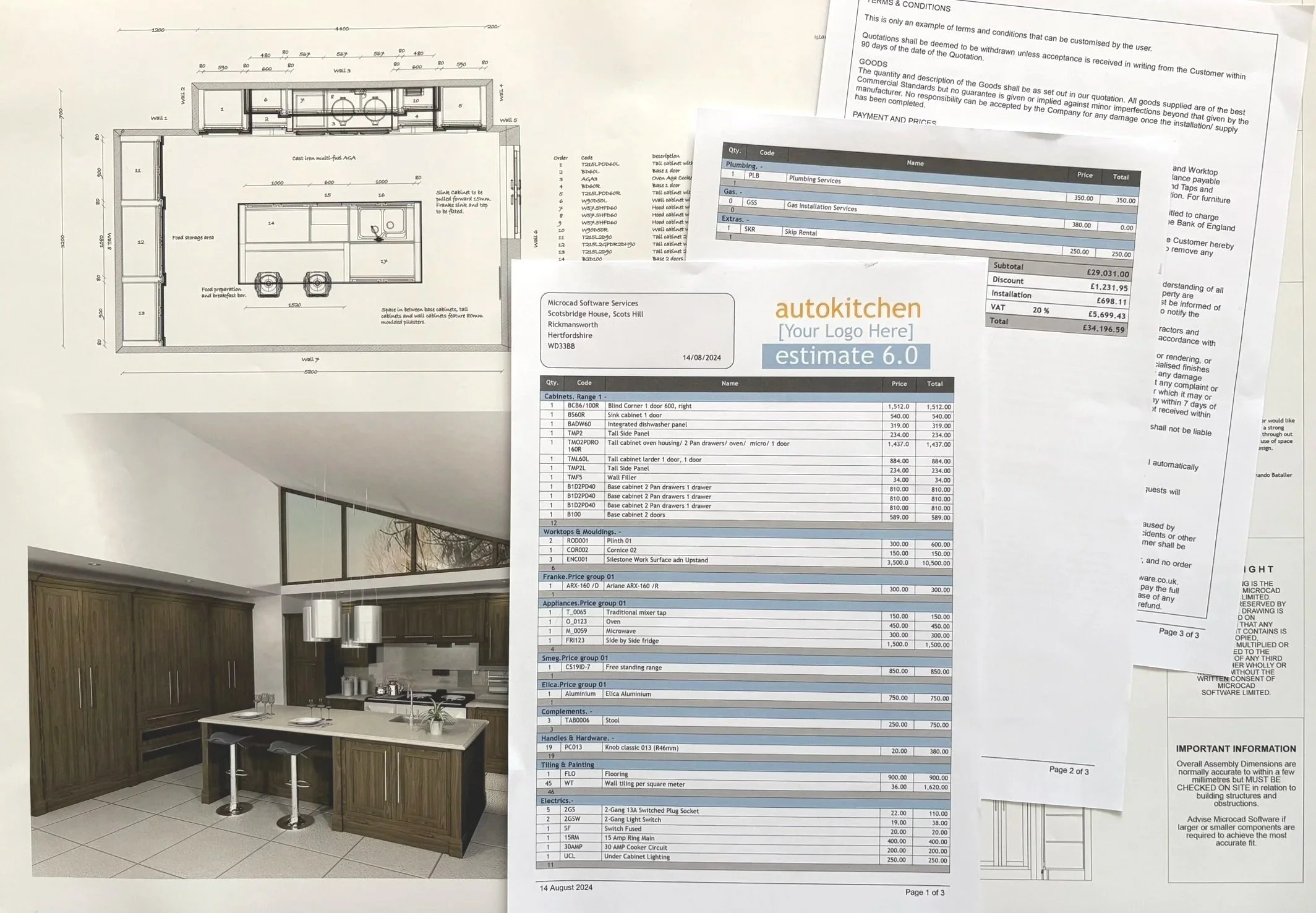
After implementing Autokitchen, many of these businesses were able to design, quote and render projects within a single day, often considerably faster.
The key difference was having everything contained within one dedicated platform rather than stitching together multiple solutions.

Manufacturer Catalogues and Streamlined Workflows
Another area where customers consistently see improvements is through custom catalogue integration.
Retailers and manufacturers frequently praise the ability to incorporate their own product catalogues directly into the software.
By working with products that are already configured within the system, designers can:
• Create accurate plans faster
• Reduce manual data entry
• Minimise errors
• Generate professional presentations more efficiently
• Improve consistency between projects
Manufacturers benefit because their products are presented accurately during the specification process, while retailers gain a faster and more reliable workflow from design through to order placement.
The Biggest Mistakes Businesses Make When Choosing Software
One of the most common mistakes businesses make is focusing primarily on the purchase price.
While software cost is important, it is only one part of the equation.
Time is often the far more significant expense.
A system that saves an hour on every project can generate substantial savings over the course of a year. Conversely, software that requires manual workarounds, duplicate data entry or additional software packages can become extremely costly despite having a lower purchase price.
The Hidden Cost of Workarounds
Many companies purchase software that appears affordable initially, only to discover that it cannot perform critical tasks efficiently.
As a result, staff create workarounds.
Information gets entered multiple times. Drawings are recreated manually. Manufacturing information must be transferred between systems.
Not only does this waste time, but it also increases the risk of errors.
In many cases, businesses end up replacing the software entirely, resulting in additional costs, retraining requirements and disruption to established processes.
When Software Can't Show What You Actually Build
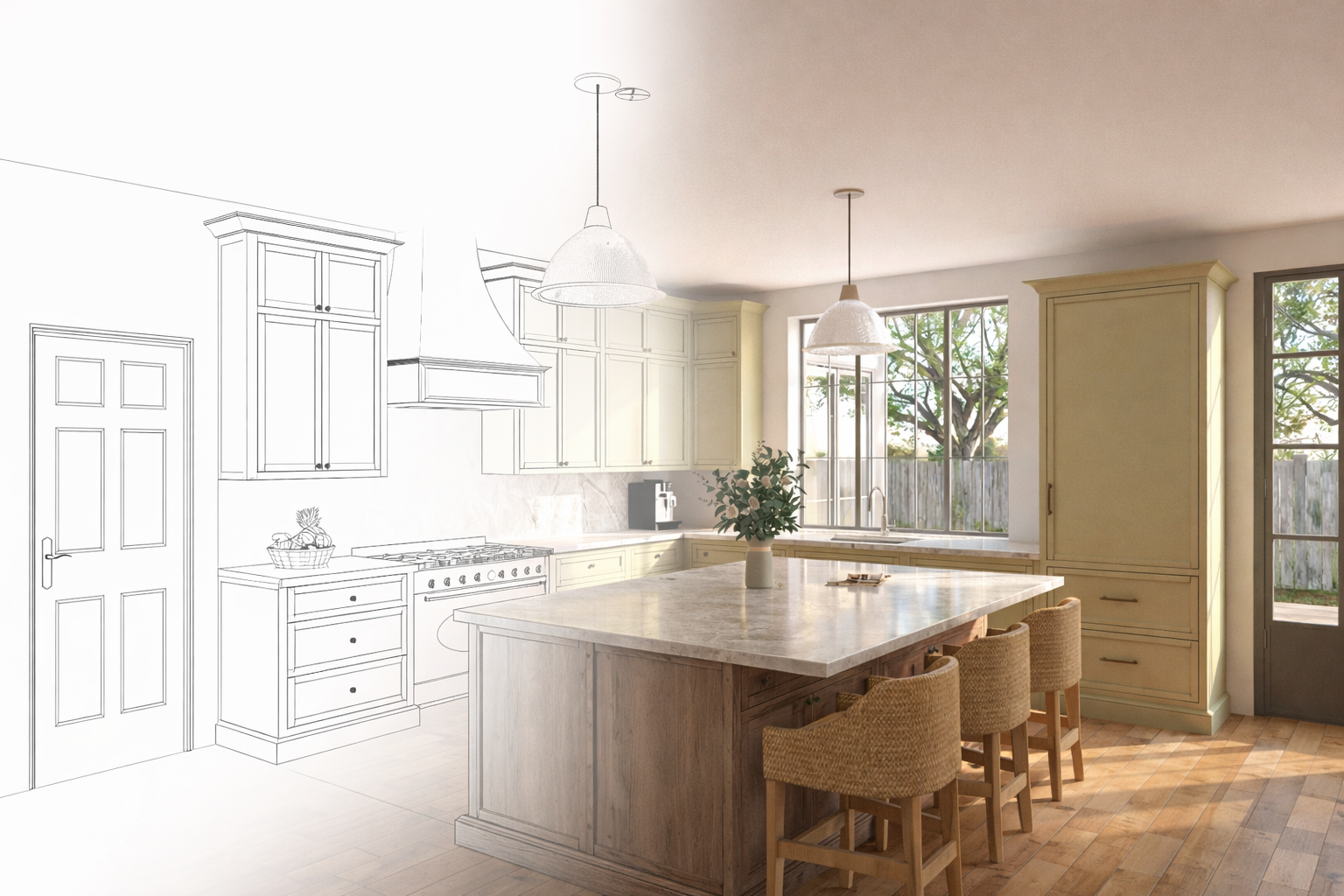
A common frustration among bespoke manufacturers is that some software struggles to represent what will actually be manufactured.
Designers often find themselves saying things such as:
• "It will look something like this."
• "Imagine this door extending to the floor."
• "This cabinet will actually have a cross rail here."
When the design software cannot accurately represent the finished product, communication becomes more difficult and customer confidence can be affected.
For highly bespoke furniture businesses, flexibility and accuracy are often more valuable than flashy presentation features.
Think About the Future
Businesses should evaluate software based not only on today's requirements but also on future growth.
You may not currently use:
• Automated manufacturing systems
• Advanced parts list exports
• VR presentations
• Cloud rendering
However, these technologies are becoming increasingly accessible.
The question is whether your software provider is preparing for that future.
What Kitchen Design Software Should Really Do
Ultimately, kitchen design software should allow a business to focus on designing, selling and manufacturing rather than fighting with technology.
The best software is not necessarily the one with the longest feature list. It is the one that feels intuitive, works the way your business works, and does not require endless workarounds to achieve everyday tasks.
In my opinion, successful software implementation means:
• Designers spend more time designing and less time drawing
• Quotations are produced faster
• Manufacturing information is more accurate
• Fewer mistakes occur
• Projects move from concept to production more efficiently
• Teams spend less time repeating tasks
Equally important is support.
Businesses need confidence that when they need help, they can speak to knowledgeable people who understand both the software and the industry.
After several years of using a well implemented system, most businesses don't simply produce better renders or nicer drawings. They operate more efficiently. They spend less time correcting errors, less time duplicating work and more time focusing on customers, sales and growth.
Good kitchen design software should become an integral part of the business, supporting where the company is today while providing the flexibility and capability needed for the future.